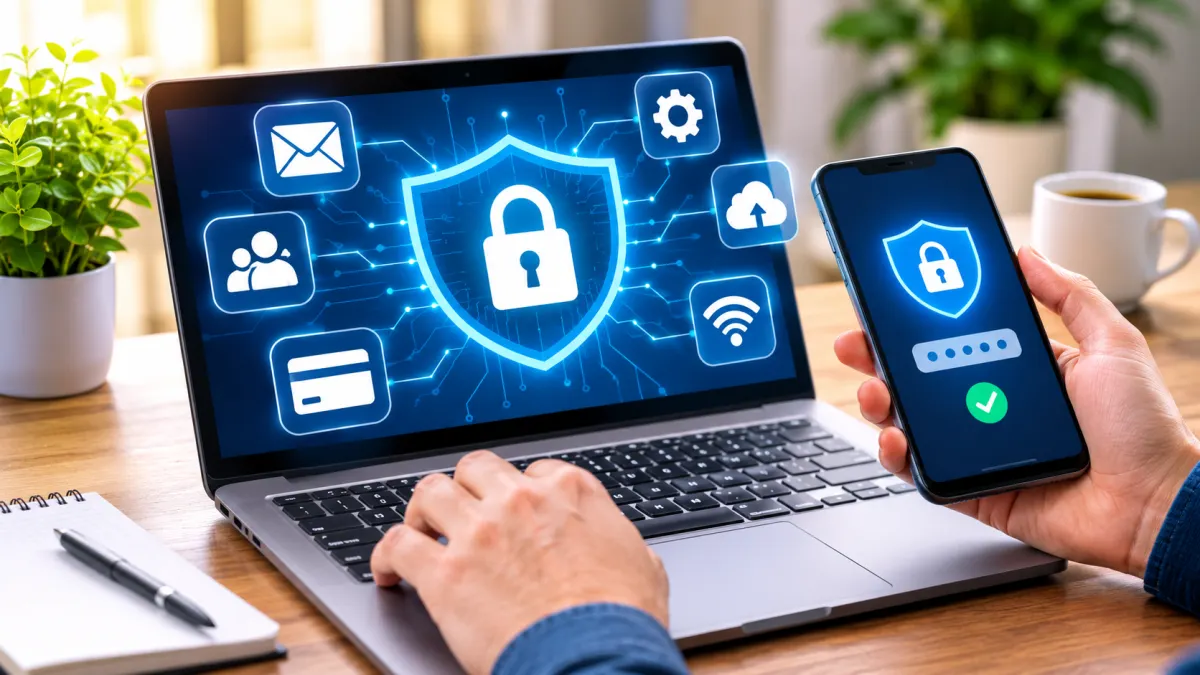

Email, shopping, social media, and banking accounts hold more personal information than many people realize. A single compromised account can sometimes become a doorway to other services, especially when passwords are reused.
Smart Habits Can Go a Long Way in Keeping Your Digital Life Safe!
The good news is that better online security does not require advanced technical knowledge. A handful of consistent habits can reduce common risks and make account takeovers more difficult. These ten steps focus on practical actions most people can take with the devices and services they already use.
Detailed Reviews
1. Give Every Important Account Its Own Password
Stop Password Reuse Before It Puts Multiple Accounts at Risk
Use a different password for every important account, especially email, banking, cloud storage, and social media. If one service is breached, unique passwords help prevent criminals from accessing your other accounts. Choose long, hard-to-guess passwords instead of reusing familiar ones.
2. Use a Reputable Password Manager
Store and Generate Strong Passwords Without Memorizing Them All
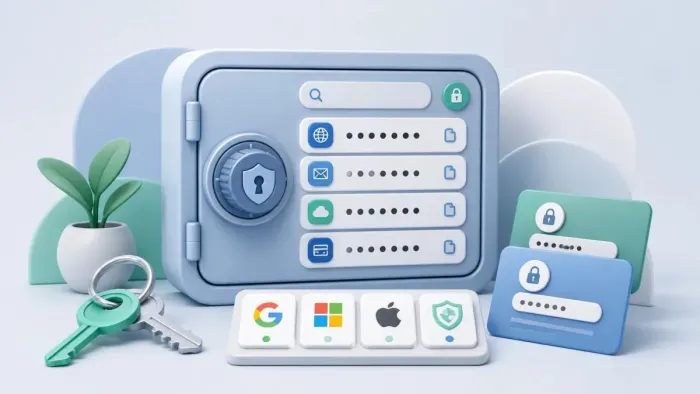
A password manager stores your passwords in an encrypted vault and can generate strong, unique credentials. Choose a reputable service, protect it with a strong master password, and enable its security features. Check how account recovery works before relying on it.
3. Turn On Multi-Factor Authentication
Add an Extra Layer of Protection Beyond Your Password
Multi-factor authentication (MFA) adds another layer of protection beyond your password. Use an authenticator app, security key, or passkey where available. Prioritize your primary email and financial accounts, as stronger authentication can make unauthorized access much harder.
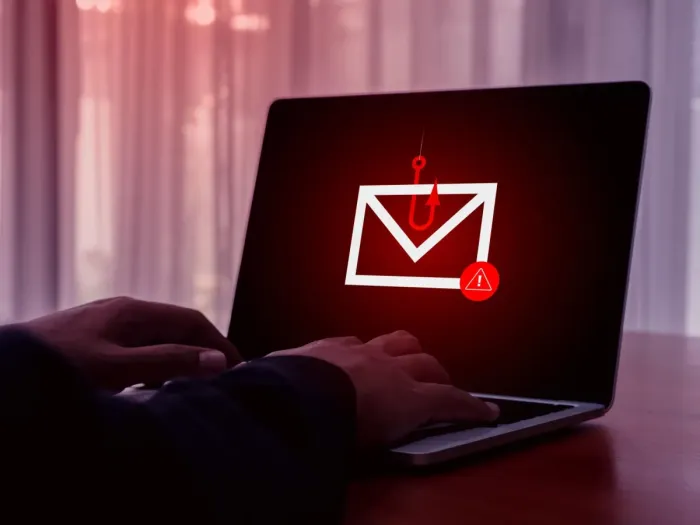
4. Learn to Recognize Phishing Messages
Spot Suspicious Messages Before They Trick You
Be cautious of messages that create urgency, request payments, or ask for passwords. Check sender details and website addresses before responding. If a message claims to come from a bank or familiar service, open its official app or website instead of clicking the message link.
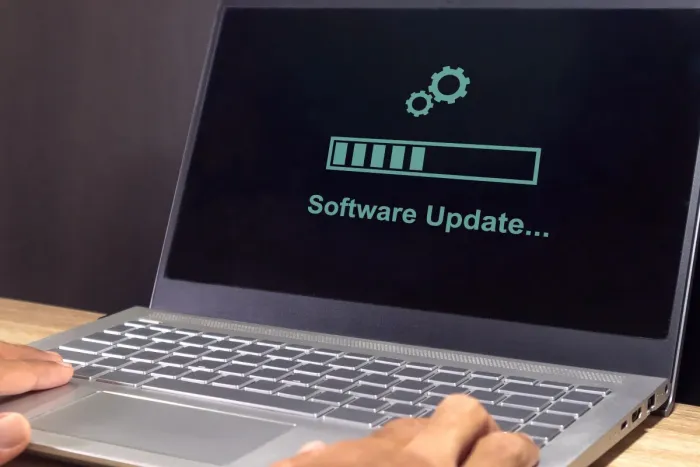
5. Install Software and Security Updates
Keep Your Devices Protected with the Latest Security Fixes
Keep your operating systems, browsers, apps, and connected devices updated. Automatic updates can help fix known security weaknesses. Also check whether older devices still receive security support, and follow the manufacturer's guidance when updates are no longer available.
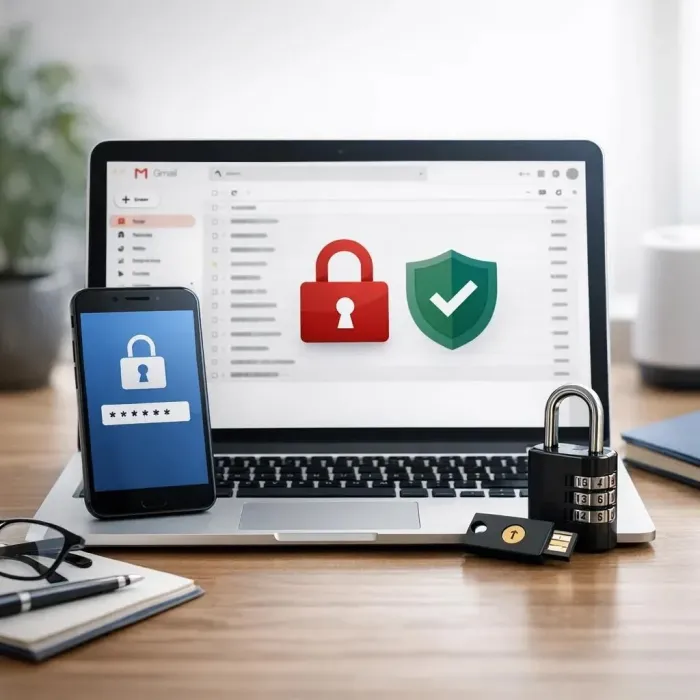
6. Protect the Email Account Used for Recovery
Secure the Account That Can Help Restore Your Other Logins
Your main email account can provide access to password-reset links for many other services. Protect it with a unique password and strong MFA. Regularly review its recovery details and make sure the listed phone number and email address are still under your control.

7. Review Active Sessions and Connected Apps
Find Unfamiliar Devices and Remove Unnecessary App Access
Check which devices and apps have access to your accounts. Sign out of unfamiliar or unused sessions and remove third-party permissions you no longer need. This helps limit unnecessary access to your personal information, files, and contacts.
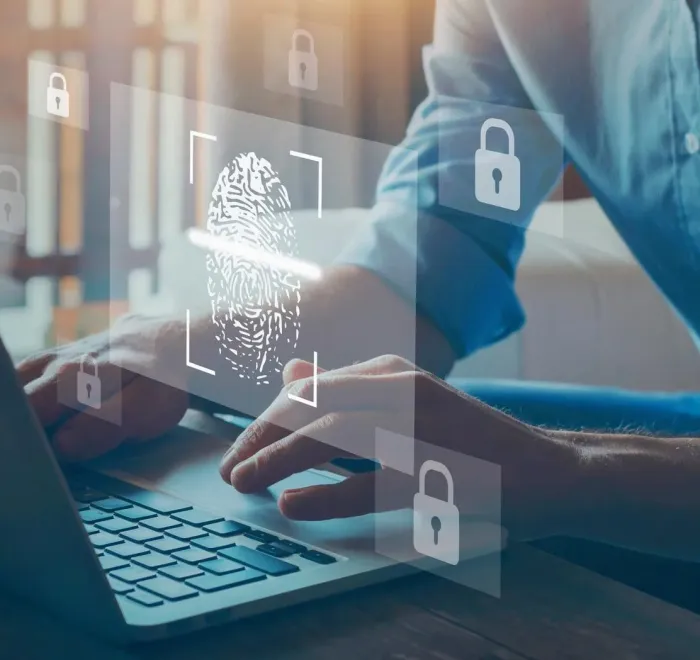
8. Lock Your Devices When You Step Away
Prevent Unauthorized Access to Your Signed-In Devices
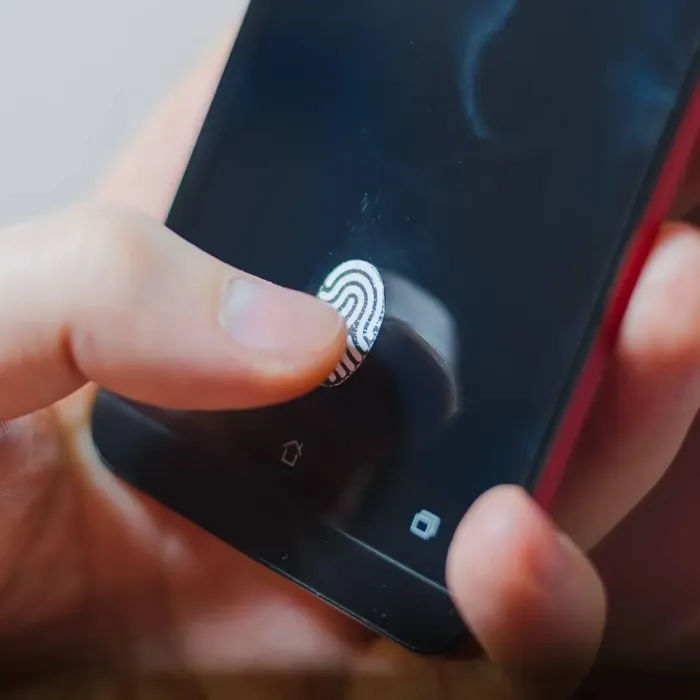
Set your phone and computer to lock automatically after a short period of inactivity. Use a strong passcode and enable biometric unlocking if preferred. Keep signed-in devices secure, especially in shared spaces, and use built-in device protection features where available.

9. Be Careful With Public and Shared Networks
Use Public Wi-Fi More Carefully When Accessing Personal Accounts
Avoid automatically joining unfamiliar public Wi-Fi networks. For sensitive activities, use a trusted connection or your mobile network. Always check the website address before signing in, since a familiar-looking network does not guarantee that a website is legitimate.

10. Keep Backups and Pay Attention to Security Alerts
Prepare for Data Loss and Notice Suspicious Account Activity
Back up important files regularly and check that they can be restored. Pay attention to alerts about unfamiliar sign-ins, password changes, or account-setting updates. If something looks suspicious, visit the service directly and review your account rather than following unexpected links.