
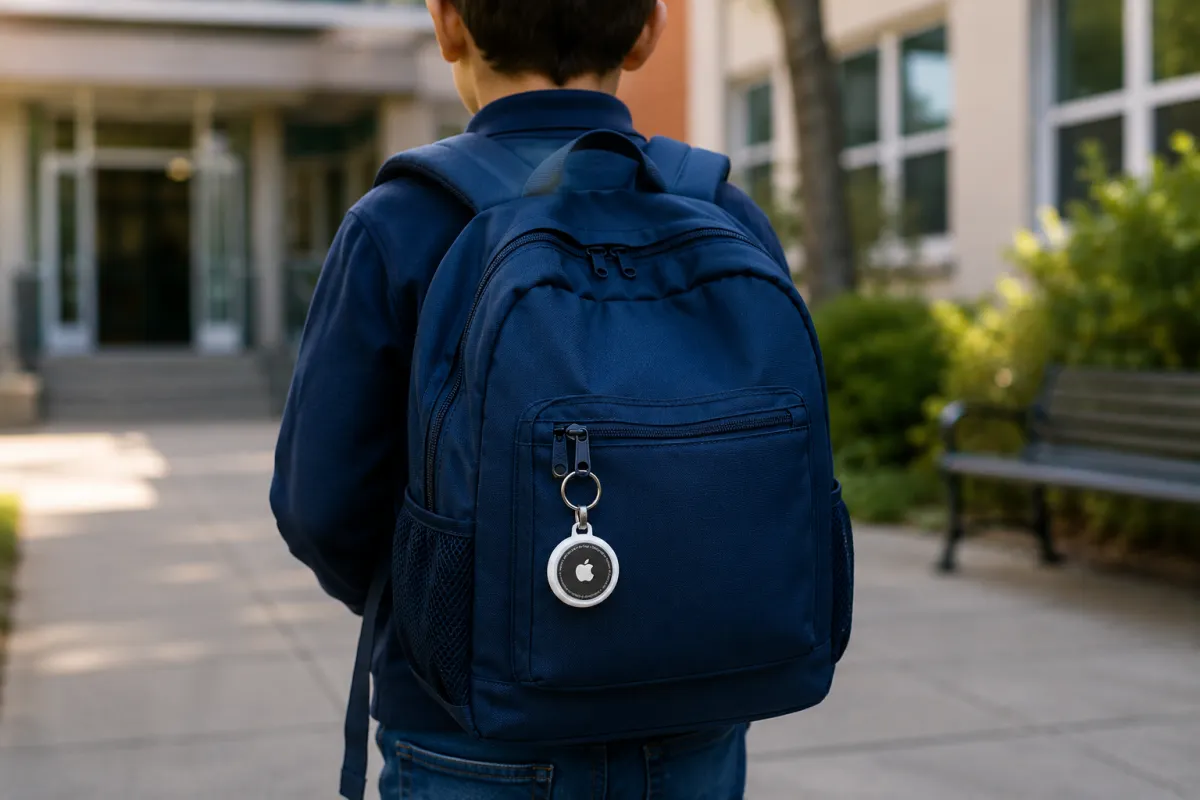

Misplacing your keys, wallet, or backpack is something almost everyone experiences. That's exactly the problem Apple AirTag was designed to solve. This small, coin-sized tracker helps iPhone users locate everyday belongings, whether they're hidden between couch cushions or accidentally left behind miles away.
But one question surprises many first-time buyers:
How can AirTag find your belongings if it doesn't even have GPS?
The answer lies in one of Apple's smartest technologies—the Find My network.
What Is Apple AirTag?
Apple AirTag is a compact Bluetooth tracker that attaches to everyday items like keys, luggage, backpacks, wallets, or camera bags. Once paired with your iPhone, you can track its location using Apple's Find My app.
Unlike traditional GPS trackers, AirTag doesn't require a SIM card, cellular service, or monthly subscription. Instead, it relies on a massive network of Apple devices around the world to help locate your belongings.
How Does Apple AirTag Work?
The easiest way to understand AirTag is through a simple example.Imagine you've attached an AirTag to your house keys.
If Your Keys Are Somewhere in Your Home
Let's say your keys slipped between the sofa cushions.Since they're still nearby, your iPhone connects directly to the AirTag using Bluetooth.
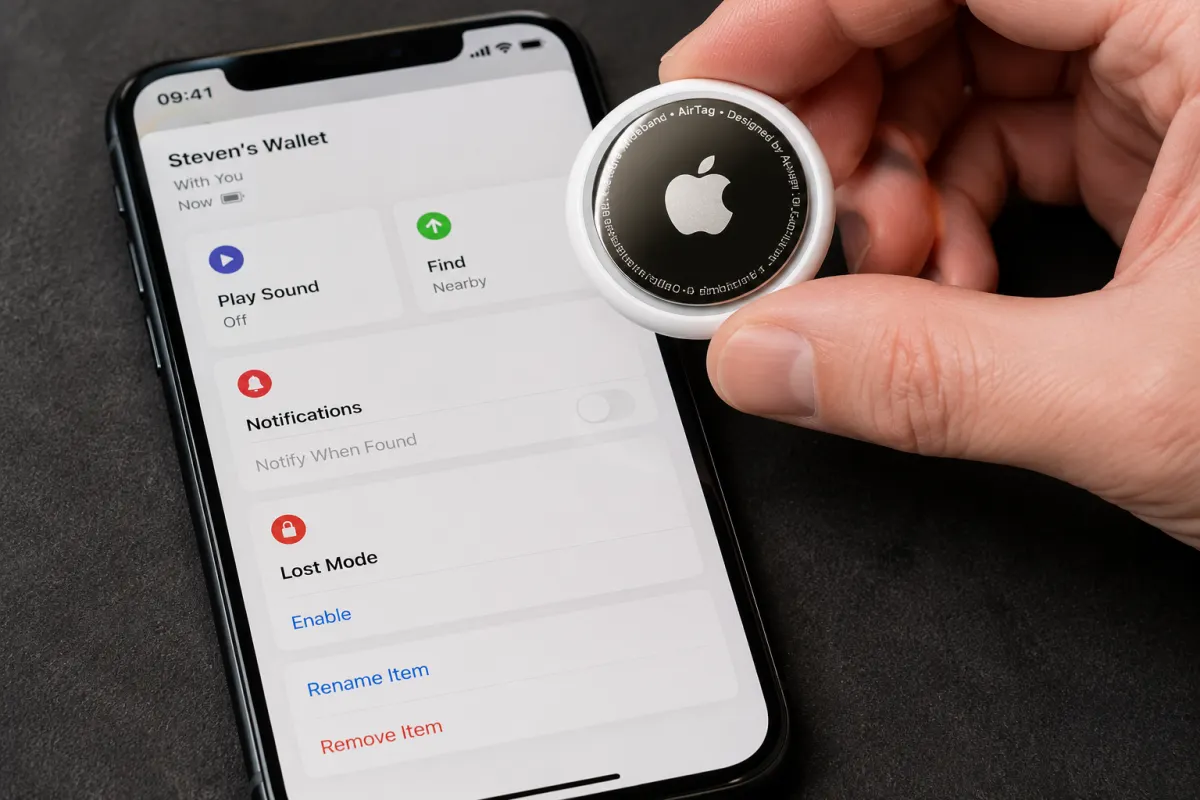
Inside the Find My app, you can:
- Play a sound to help locate the keys.
- View their approximate location.
- Use Precision Finding (available on compatible iPhones with the U1 chip) to receive on-screen directions showing exactly where to walk, along with the distance remaining.
In this situation, your iPhone communicates directly with the AirTag—no internet connection is required.
What If You Left Your Keys at a Coffee Shop?
Now imagine you accidentally left your keys at a café across town.Your iPhone is far beyond Bluetooth range, so how can AirTag still help?This is where Apple's Find My network comes into play.
Suppose another customer carrying an iPhone walks into that same café.Without the person doing anything, their iPhone quietly detects your AirTag over Bluetooth. It then securely sends its own location to Apple's Find My network.
A few moments later, your Find My app updates and shows the last known location of your AirTag.The entire process happens automatically in the background.The other iPhone owner never receives a notification, never sees your information, and never knows they helped locate your lost item.
What Happens If No Apple Device Is Nearby?
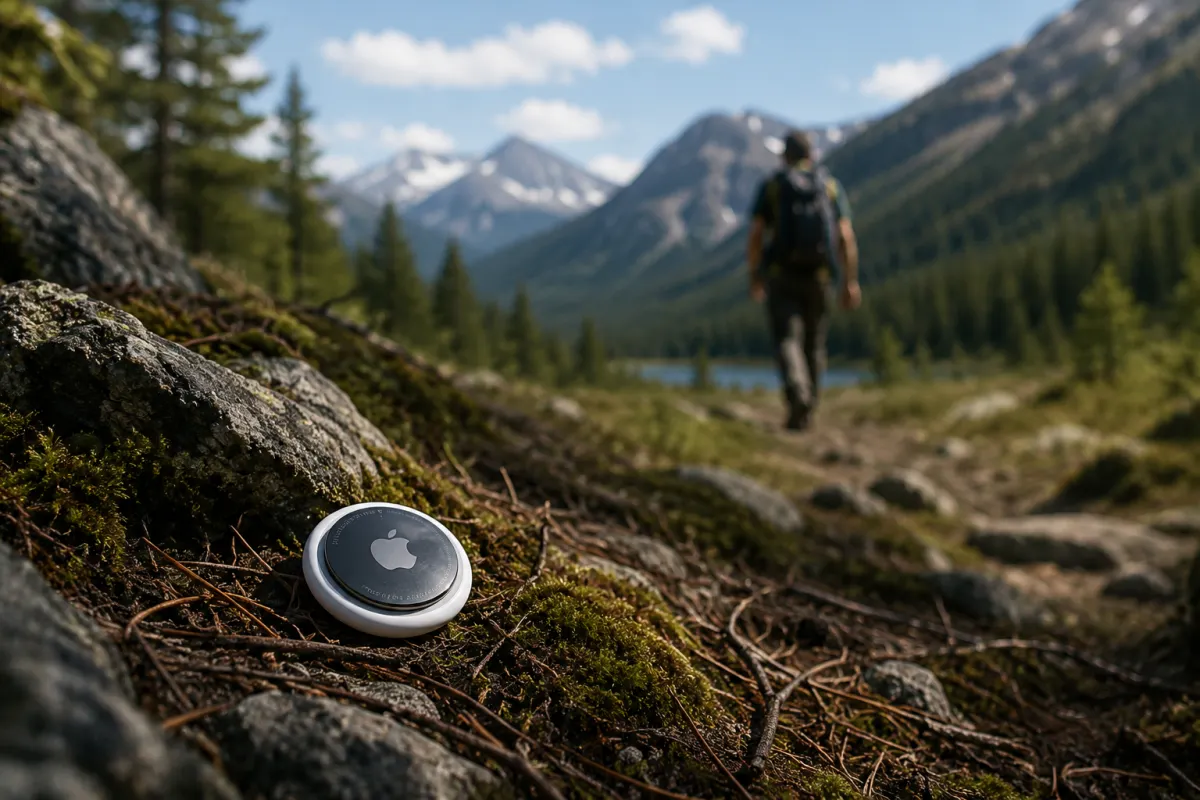
Now imagine your AirTag is sitting in a remote hiking area where no one passes by with an iPhone, iPad, or Mac.In that case, AirTag cannot update its location.Instead, the Find My app simply displays the last place where it was detected by an Apple device.
Once another compatible Apple device comes within Bluetooth range, its location will update automatically.
Why Doesn't Apple AirTag Have GPS?
This is one of the biggest misconceptions about AirTag.Many people assume every tracker includes GPS, but Apple intentionally left it out—and for good reason.
A GPS receiver constantly communicates with satellites, which consumes a significant amount of power. If AirTag included built-in GPS, its tiny battery would likely last only days or weeks instead of months.
Instead, Apple chose a more efficient solution.AirTag broadcasts a low-energy Bluetooth signal, while nearby Apple devices do the heavy lifting by securely sharing their own location with the Find My network.
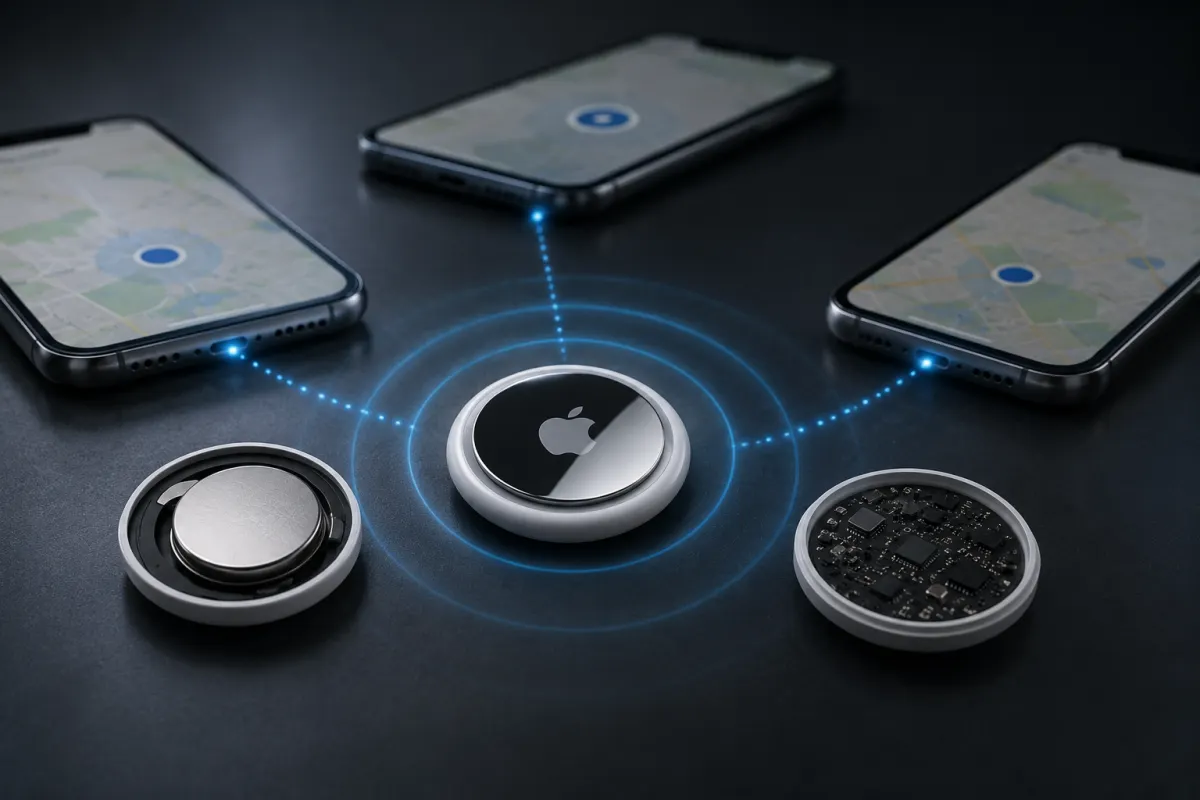
In other words:
AirTag doesn't calculate its own location. Nearby Apple devices do it for you.
This approach offers several important advantages:
- Battery life of about one year using a standard CR2032 coin-cell battery.
- No SIM card or cellular data plan required.
- No monthly subscription fees.
- A smaller, lighter design.
- End-to-end encrypted location sharing that helps protect user privacy.
The only trade-off is that AirTag depends on nearby Apple devices. If there are none around, it can't report a new location until one comes within range.
Lost Mode Makes Recovery Easier
If you believe your item is truly lost, you can activate Lost Mode in the Find My app.If someone discovers your AirTag and taps it with an NFC-enabled smartphone, they'll see a web page displaying the contact information or message you've chosen to share.
This allows honest finders to reach you without exposing unnecessary personal information.
Built-In Privacy Protection
Apple designed AirTag with privacy in mind.
Several features help prevent unwanted tracking:
- Location data is protected with end-to-end encryption.
- Only the AirTag owner can view its location.
- iPhones alert users if an unknown AirTag appears to be traveling with them.
- An AirTag separated from its owner for an extended period will emit a sound, making it harder to misuse for covert tracking.
These safeguards are designed to balance convenience with personal privacy.
What Can You Attach an AirTag To?
AirTag works best with everyday items that are easy to misplace, including:
- House or car keys
- Wallets
- Handbags
- Backpacks
- Luggage
- Camera gear
- Laptop bags
- Bicycles (using a compatible mount)
Is Apple AirTag Worth Buying?
If you're already part of Apple's ecosystem, AirTag is one of the easiest and most reliable ways to keep track of your belongings.
Rather than relying on GPS, Apple built a smarter system powered by the global Find My network. Millions of Apple devices quietly work together to help users recover lost items, often without anyone realizing they've contributed.
For iPhone owners who frequently misplace keys, bags, or luggage, AirTag delivers a remarkably simple solution that combines long battery life, effortless setup, and one of the largest crowdsourced location networks in the world.