
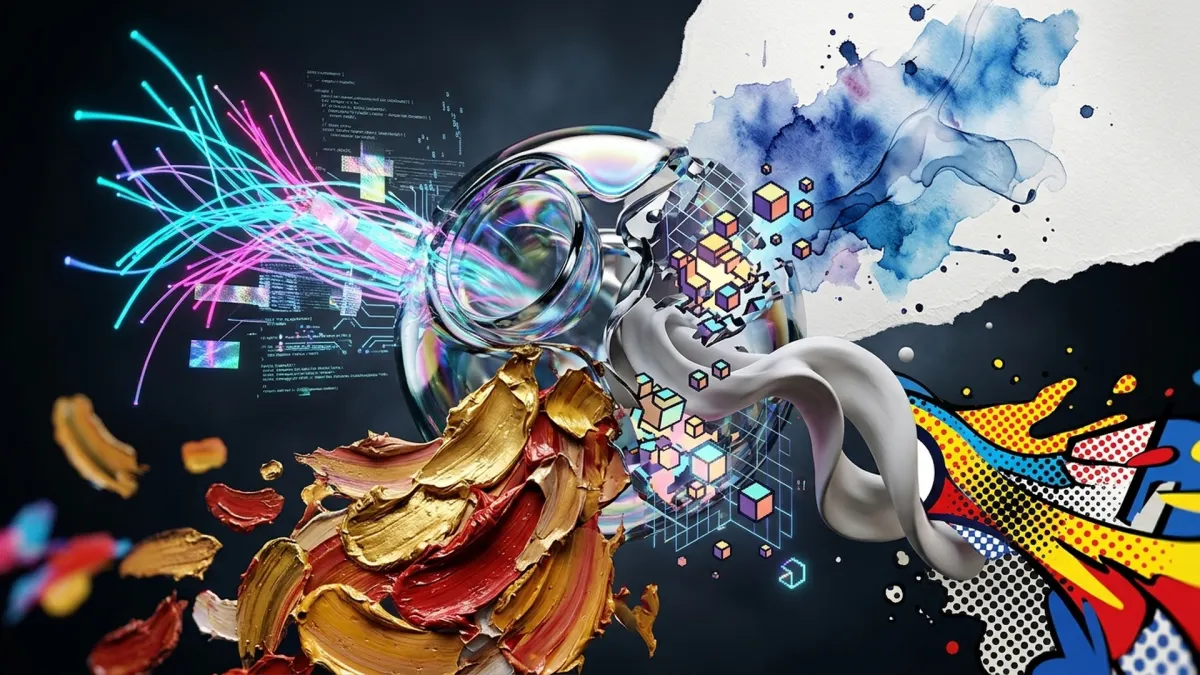

Stop Typing "8K Masterpiece": How to Actually Control AI Art Styles
Typing words like "photorealistic," "hyper-detailed," or "8K masterpiece" into Midjourney or Stable Diffusion does almost nothing. Millions of people use those exact same words, so the AI just treats them as background noise. If you want an image to look like a real painting, a comic book, or a 3D model, you have to use the exact words that artists, photographers, and printmakers use. Here are 12 styles you can create right now, and the simple words that make them work.
1. Photorealistic: Talk Like a Camera
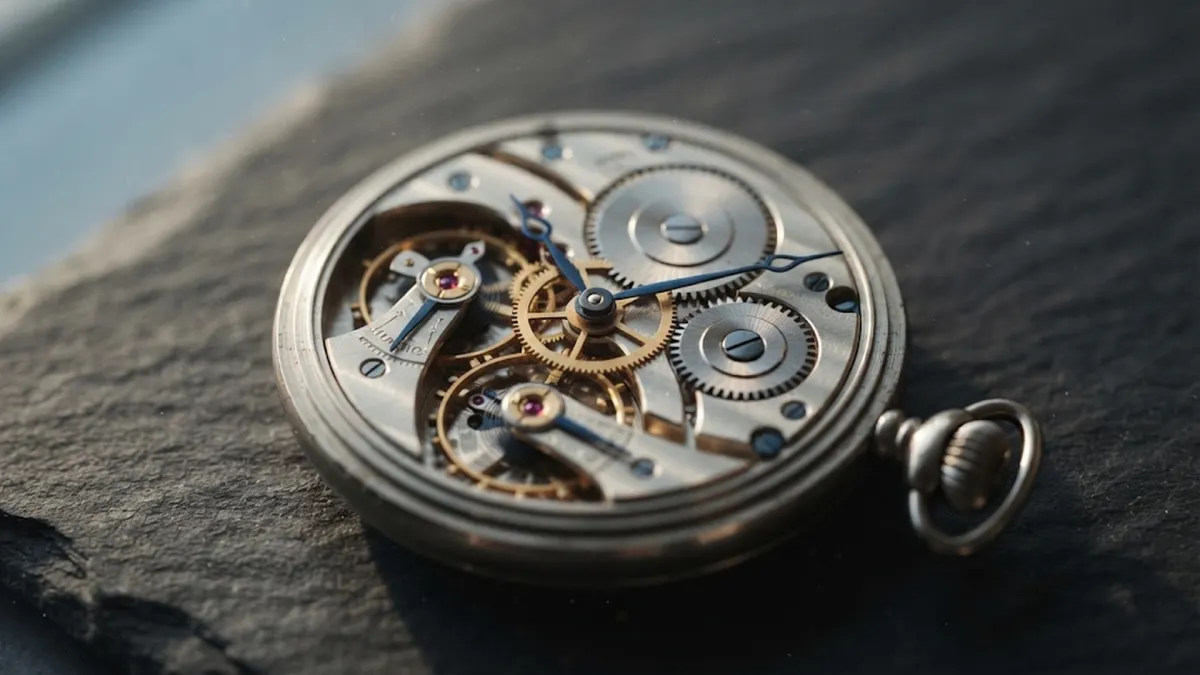
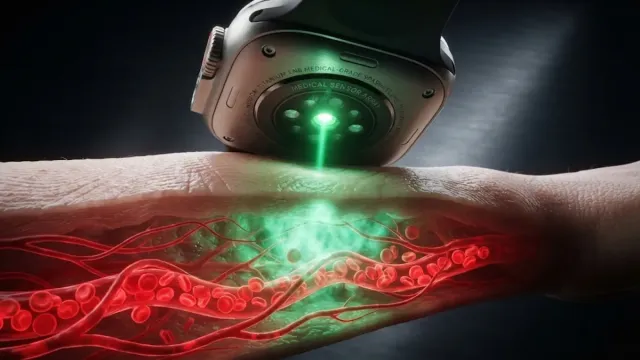
If you tell the AI "make it look real," it usually gives you a weird, waxy plastic look. Real cameras have glass lenses and blurry backgrounds. To get a photo look, give the AI camera settings: ask for f/2.8 or macro lens. That forces the background to blur naturally while keeping the watch razor-sharp. Add simple lighting words like morning window light to get clean reflections on metal instead of flat digital shine.
2. Anime and Manga: Clean Lines and Flat Colors
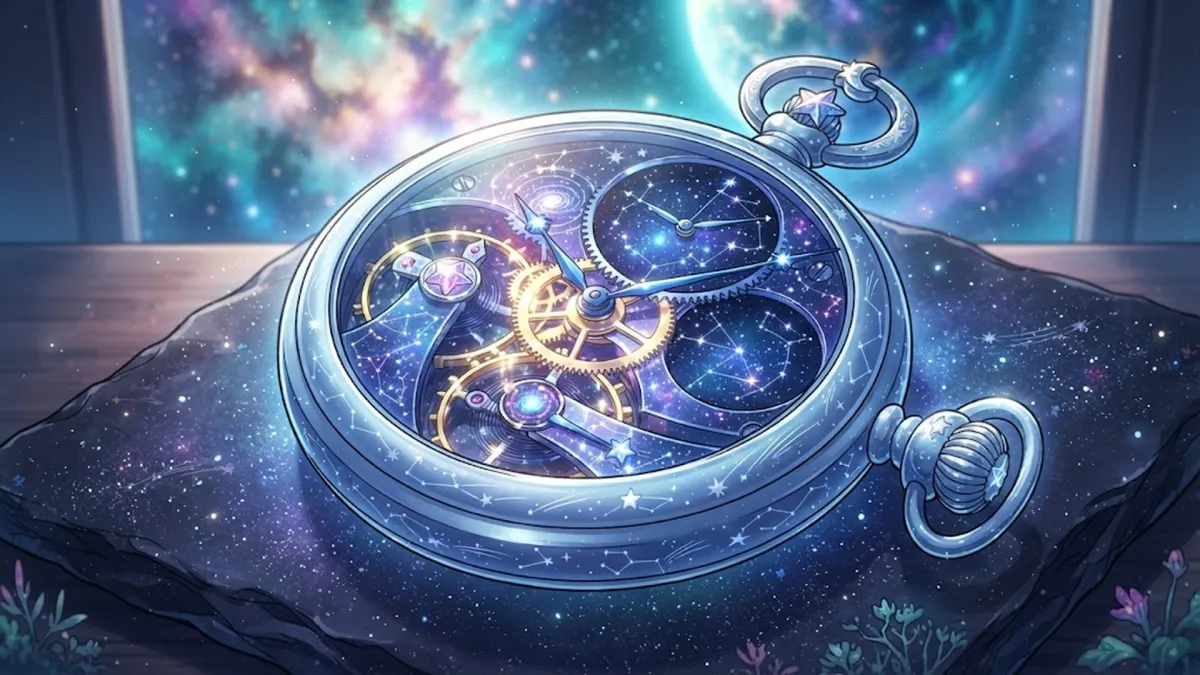
Anime doesn't use smooth blended shadows like a photo. It uses flat blocks of bright color with dark ink outlines. The magic phrase here is cel shading. Add clean line art and glowing rim light. That stops the AI from trying to turn the anime drawing into a creepy 3D face and keeps it looking like a frame from a high-budget animation studio.
3. Cyberpunk: Neon Lights on Wet Streets
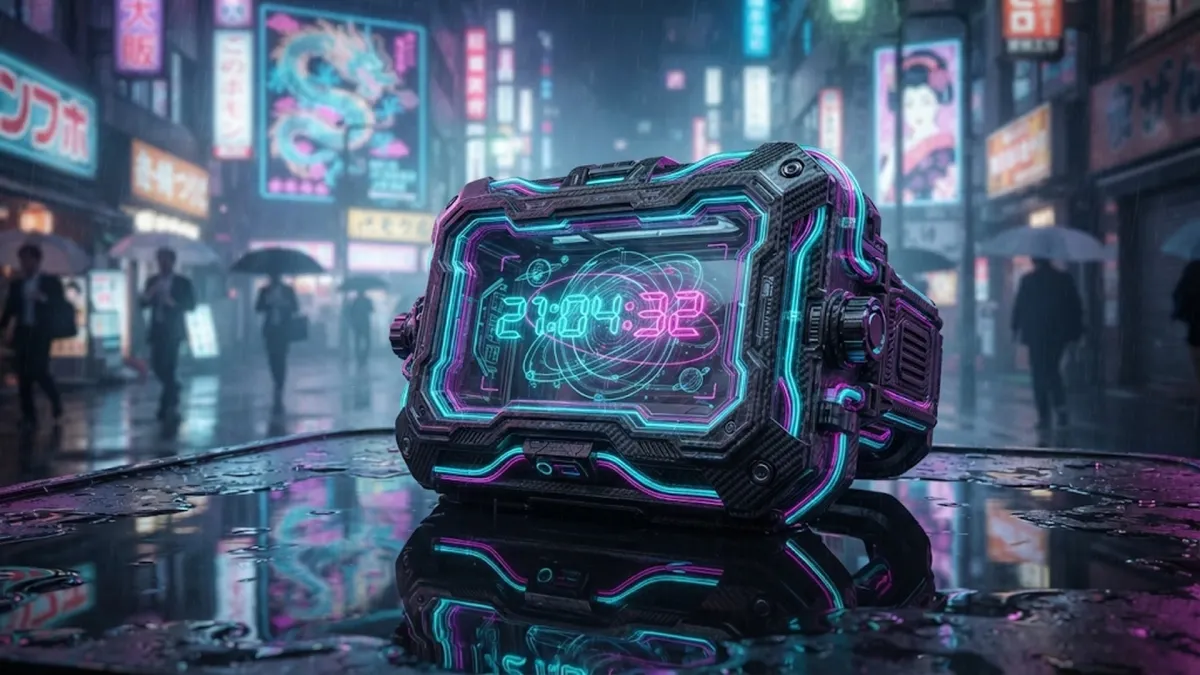
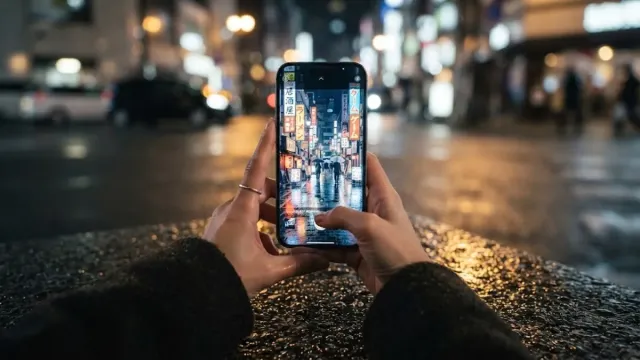
Cyberpunk is more than just purple and blue glow. It needs heavy contrast: pitch-black shadows right next to blinding neon signs. The secret ingredient is water. Add wet asphalt, puddle reflections, or rain mist to your prompt. Water forces the AI to bounce bright pink and cyan lights off the street, giving the whole scene instant atmosphere and depth.
4. Watercolor: Let the Paper Show Through
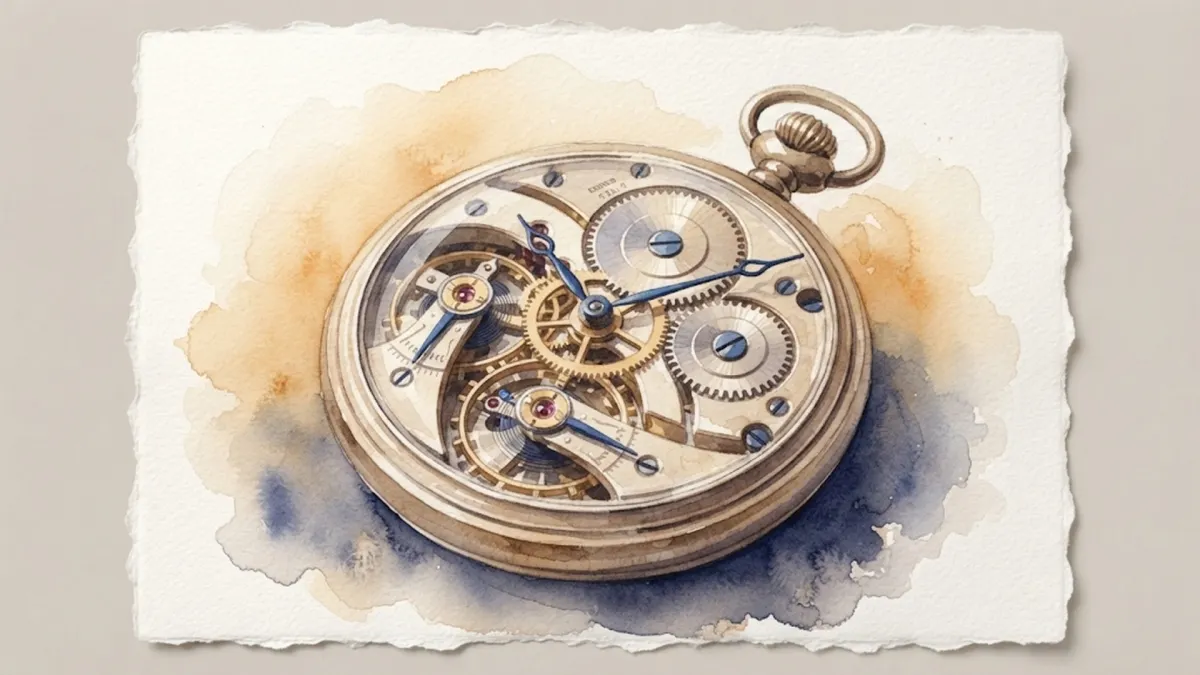
Real watercolor is runny and unpredictable. When paint dries on thick paper, pigment gathers in tiny dark rings around the edges. To get that look, prompt for wet-on-wet watercolor washes, pigment pooling, and rough cold-press paper. Most importantly, ask for white paper negative space. Real watercolor artists don't use white paint; they leave the paper blank where the light hits.
5. Pixel Art: Keep It Blocky and Limited
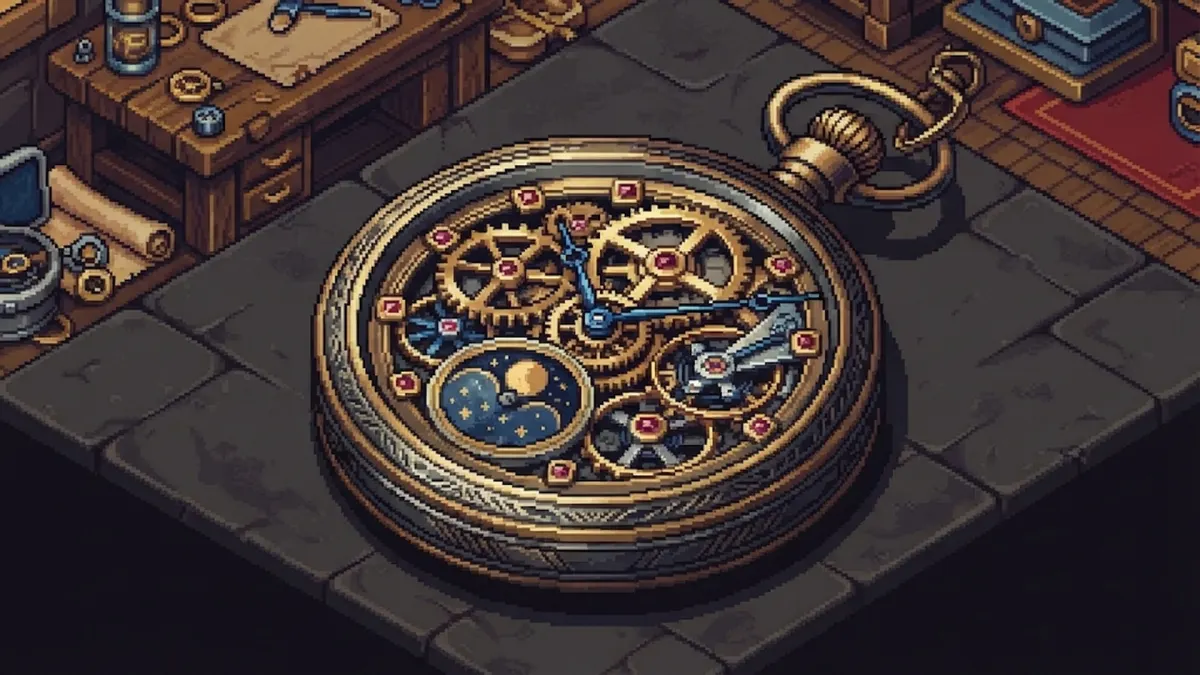
If you just type "pixel art," the AI often gives you a blurry picture with a fake grid over it. To get clean, crisp sprites like a classic 90s video game, ask for 16-bit isometric pixel art and a limited color palette. Adding the word dithering tells the AI to blend colors using little checkerboard dots instead of smooth airbrushed fading.
6. Pop Art: Comic Book Dots and Bright Posters
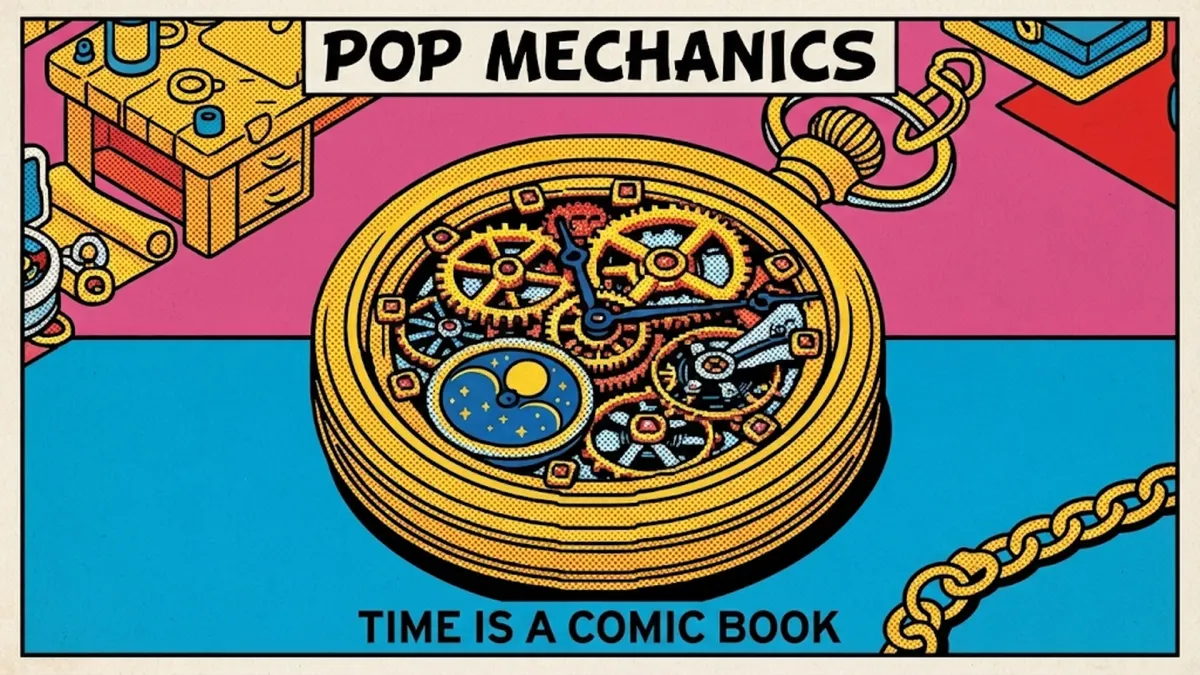
Pop Art comes from vintage newspaper printing. Instead of smooth color gradients, printers in the 1960s used tiny colored dots to save ink. The key term to use is halftone Ben-Day dots. Pair that with thick black outlines and bright primary colors like yellow, red, and blue. The result looks like a vintage comic book panel blown up into a giant poster.
7. Art Deco: Golden Luxury and Symmetry
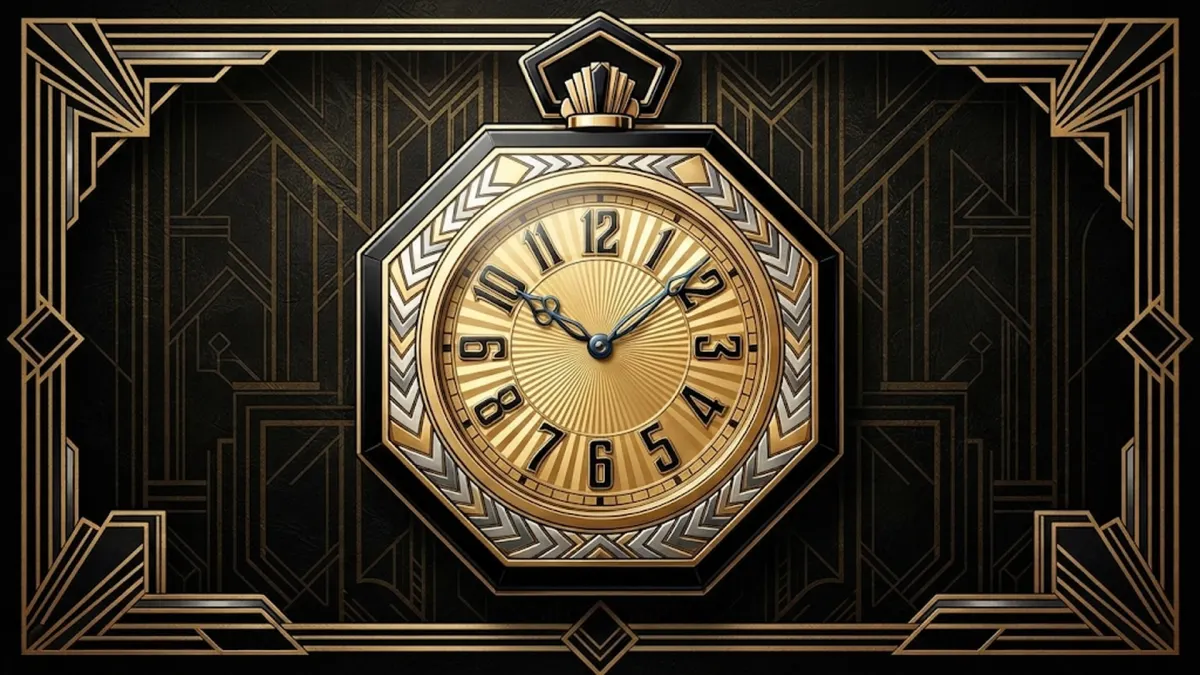
Think of the Great Gatsby or the top of the Chrysler Building in New York. Art Deco is all about sharp geometry, expensive metals, and clean balance. Tell the AI to use perfect symmetry, sunburst patterns, and gold leaf on black obsidian. The model will ditch messy natural shapes and draw crisp, balanced lines that scream 1920s luxury.
8. Fantasy Concept Art: Fog, Scale, and Big Lighting
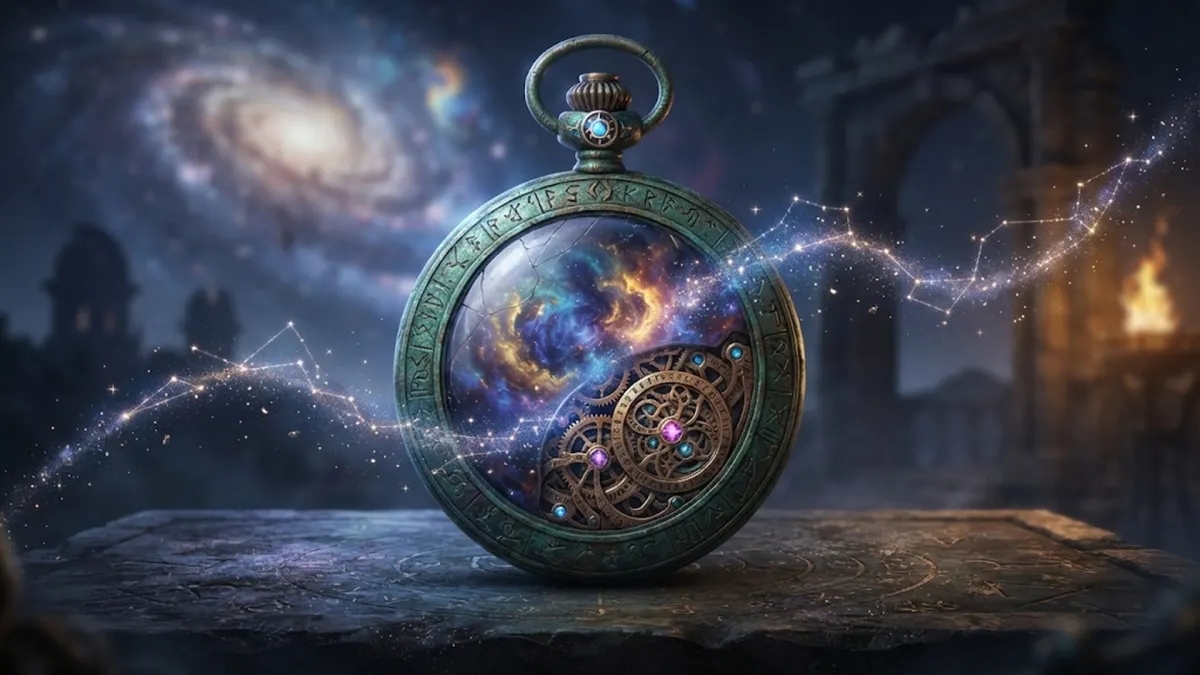
Concept artists who design movies and video games don't try to make every corner of the screen sharp. That would give the viewer a headache. They paint broad, misty backgrounds and put all the sharp detail on the main object. To get this look, use words like atmospheric fog, volumetric God rays, and epic matte painting.
9. 3D Clay Render: Smooth Plastic and Soft Studio Shadows
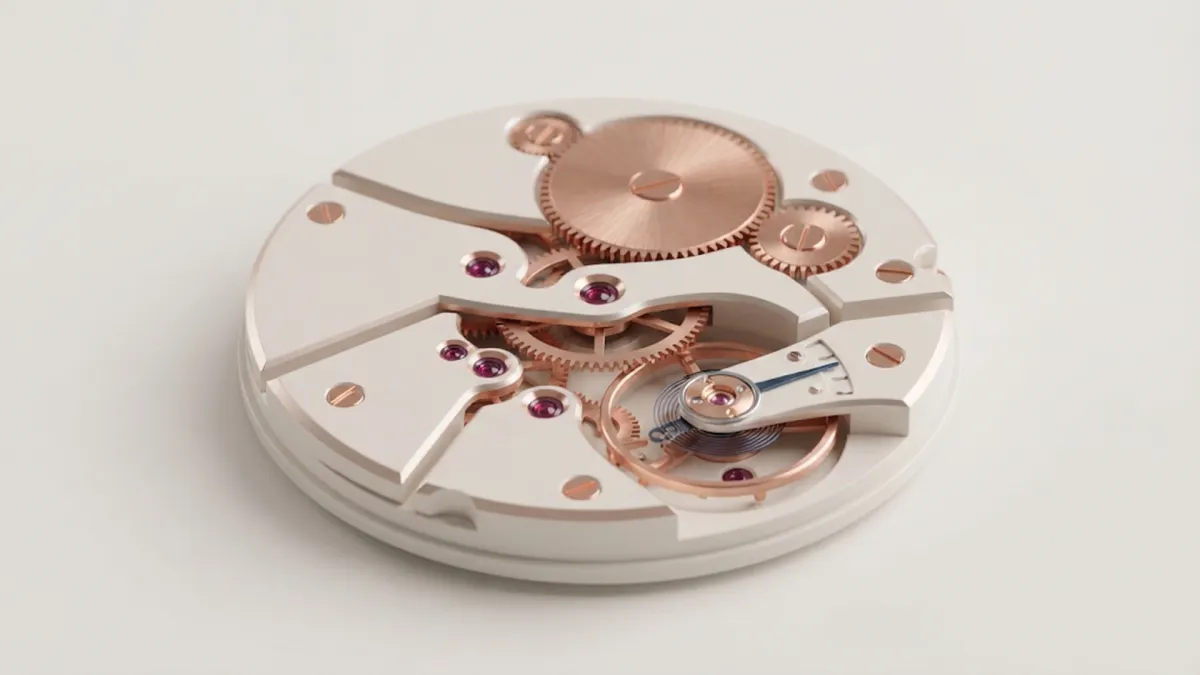
If you want images that look like cute designer figurines, architectural models, or smooth clay gadgets, use 3D software terms. Ask for Octane render, matte clay finish, and softbox studio lighting. This makes the surface look touchable and smooth, with soft, gentle shadows instead of harsh black edges.
10. Surrealism: Real Objects Doing Impossible Things
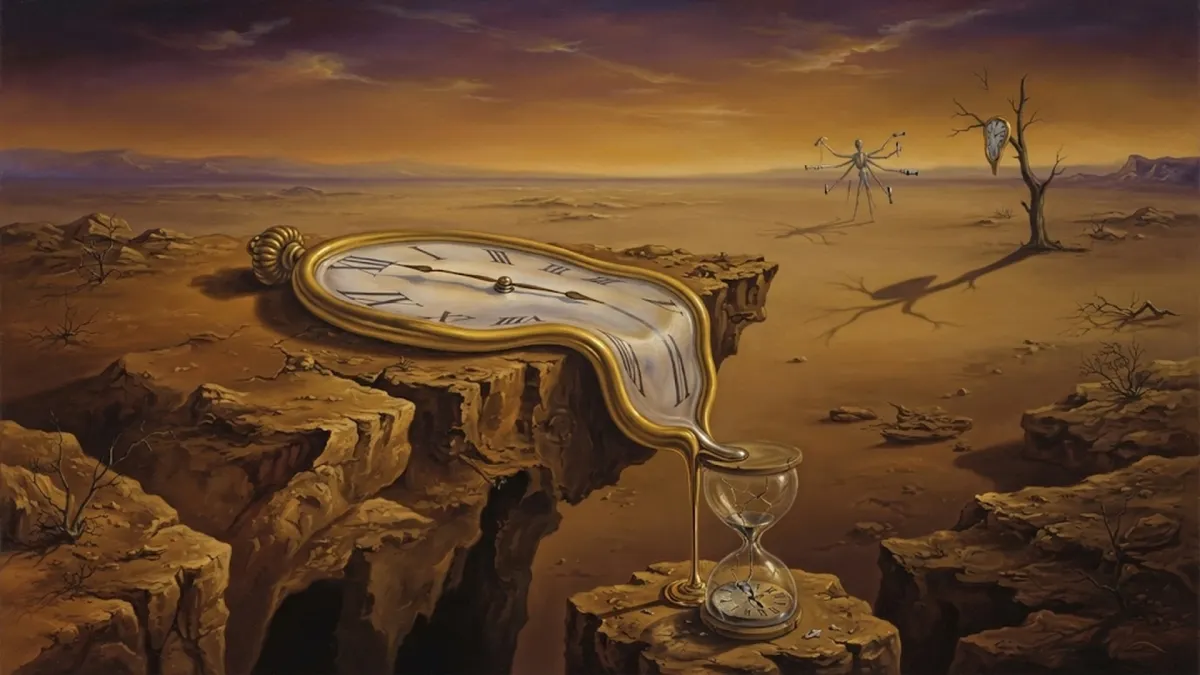
Surrealism isn't about drawing random nonsense. Salvador Dalí's paintings work because the melting clocks look completely solid and real. The metal shine looks authentic, even though the clock is drooping like melted cheese over a tree branch. Describe normal objects in impossible situations: a melting gold watch draped over dry desert rock or a heavy boulder floating like a cloud.
11. Minimalist Flat Design: Less Is Always More

AI models naturally love clutter. If you leave space open, the AI will try to fill it with extra lines, shadows, and dirt. Minimalism means forcing the model to delete everything unnecessary. Ask for a flat vector illustration, a two-color muted palette, and large empty negative space. This gives you bold, clean graphics perfect for app icons and logos.
12. Classical Oil Painting: Candlelight and Thick Brushstrokes
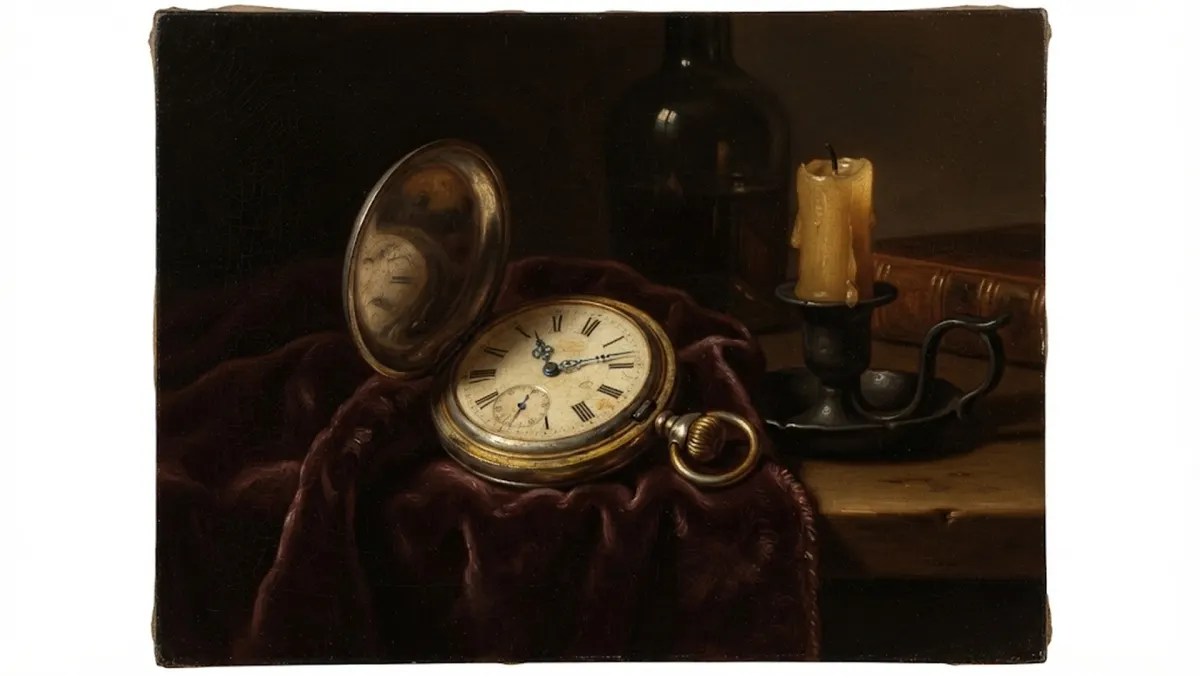
To make an image look like an old museum painting, describe the physical paint. Use the Italian word chiaroscuro. It means casting deep black shadows with bright, warm candlelight on the subject. Ask for thick impasto palette knife texture and fine surface varnish cracks. That gives the digital image the weight, depth, and texture of a 400-year-old canvas.
Quick Cheat Sheet: The Best Words for Each Style
| Style | Best Words to Put in Your Prompt | What It Does to the Image |
|---|---|---|
| Photorealistic | f/2.8 lens, macro photography, diffused window light | Blurs the background and makes textures look real |
| Anime / Manga | Cel shading, clean ink lines, glowing rim light | Removes 3D blending and gives crisp comic edges |
| Cyberpunk | Wet asphalt, puddle reflections, neon cyan & magenta | Bounces bright city lights off dark streets |
| Watercolor | Wet-on-wet wash, pigment pooling, cold-press paper | Creates soft runny color bleeds and visible paper texture |
| Pixel Art | 16-bit isometric sprite, limited color palette, dithering | Locks pixels to a clean grid without digital blur |
| Pop Art | Halftone Ben-Day dots, thick black outlines, primaries | Turns the image into a bold 1960s comic print |
| Art Deco | Perfect symmetry, sunburst geometry, gold on obsidian | Creates balanced, glamorous architectural shapes |
| Fantasy Concept | Atmospheric fog, volumetric God rays, matte painting | Gives massive cinematic scale with misty backgrounds |
| 3D Clay Render | Octane render, matte clay finish, soft studio lighting | Makes objects look like smooth, touchable figurines |
| Surrealism | Melting metal, floating stone, impossible physics | Renders dreamlike, impossible scenes with sharp realism |
| Minimalist Flat | Flat vector, two-color palette, large negative space | Deletes clutter for clean, modern graphic logos |
| Classical Oil | Chiaroscuro, thick impasto brushstrokes, candlelight | Layers deep museum shadows and thick oily paint ridges |
Pro Tip: Put Style Words at the Very Start
AI models pay the most attention to the first few words of your prompt. If you put oil painting or 16-bit pixel art right at the front, the AI sets its style first before it even starts drawing your subject. Putting style words at the end often results in the AI ignoring them completely.