

Why Night Photos Turn to Mud (and the Optical Physics of Low Light)
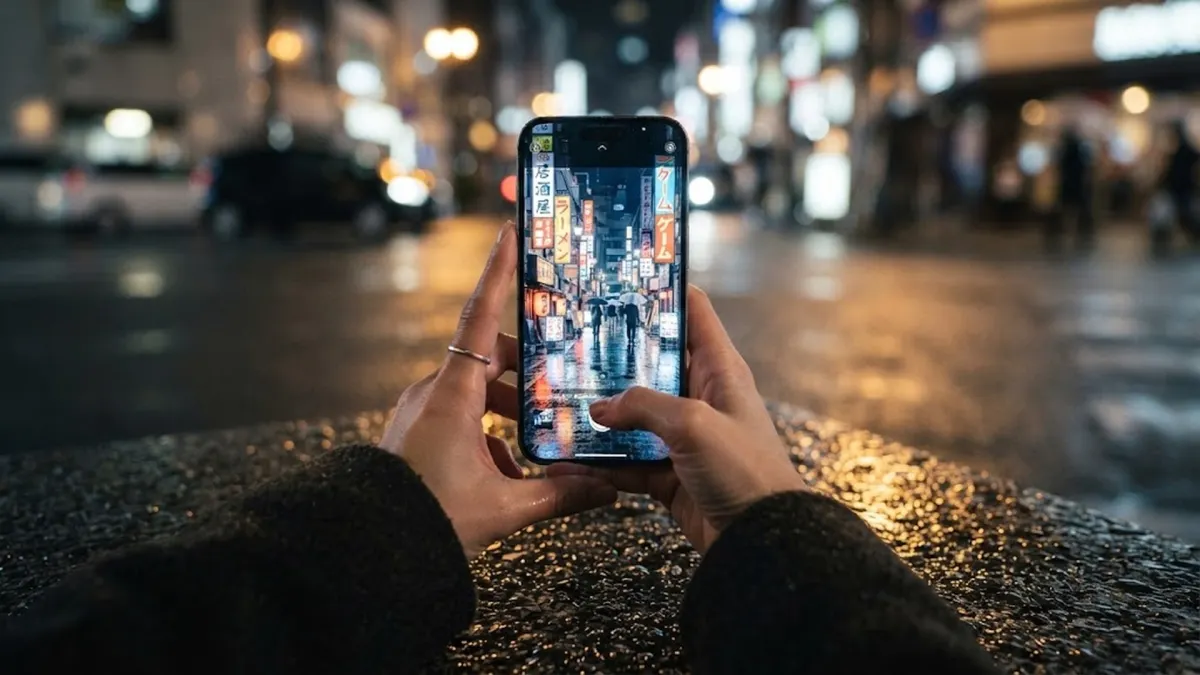
Aim your smartphone down a dark city street tonight, tap the shutter, and you already know what happens next. The screen stutters, freezes for an excruciating second, and spits out a muddy, pixelated smear. Streetlights flare into blinding white discs, facial features melt into gray porridge, and moving pedestrians turn into eerie, translucent ghosts.
Most folks immediately blame their hands for shaking or assume they need a two-thousand-dollar mirrorless camera rig. That assumption is dead wrong. Night photography fails because of basic optical physics: photon starvation.
A smartphone lens measures barely three millimeters across—about the diameter of a dried pea. In broad daylight, trillions of photons drench every building facade, car bumper, and pavement crack, flooding the camera sensor's microscopic light-gathering pits in less than a thousandth of a second. At that speed, you can walk down a busy sidewalk and capture tack-sharp pictures.
For more hardware insights on visual devices and consumer electronics, read our breakdown on why cheap phone cables stop charging after three months.
The Physics of Sensor Starvation and ISO Noise
The moment the sun drops below the horizon, ambient illumination collapses by ninety-nine percent. Your phone's microscopic lens is suddenly starved for light.
To produce any image in the dark, the phone's internal processor gets shoved into a brutal technical corner. It has only two operational choices: keep the shutter open longer to gather stray photons, or electronically amplify whatever faint electrical current manages to trickle into the sensor. That electronic amplification is what camera menus label ISO.
Boosting ISO past thirty-two hundred works exactly like turning an old guitar amplifier to maximum volume with no instrument plugged in. You don't hear clearer music; you get a wall of loud hiss, crackle, and electrical static. On a smartphone screen, that amplification turns into disgusting purple grain, blotchy skin tones, and destroyed shadow details.
At the same time, the camera software slows the shutter down to a quarter of a second or a half-second. At that glacial speed, the microscopic pulse throbbing through your index finger is enough to smear every edge across the entire frame.
Why Built-In Flash Destroys the Scene
When confronted with blurry low-light photos, the average user's immediate reflex is to switch on the phone's built-in LED flash. This is almost guaranteed to ruin the image.
A smartphone flash sits less than half an inch from the camera lens. It fires harsh, unflattering, on-axis light directly forward like a police interrogation lamp. It bleaches facial features flat, obliterates natural jawline shadows, generates red-eye glares, and turns the atmospheric background into an ink-black void.
Master Low-Light Rule: Never turn on the built-in phone LED flash for evening portraits. The direct on-axis beam destroys authentic street ambiance, overexposes foreground skin, and turns the background into pitch-black nothingness.
You lose the steam rising off the food carts, you lose the golden glow of the cafe lamps, and you lose the whole reason you pulled out your camera in the first place. A slightly gritty candid photo under an authentic streetlamp will always look more authentic than a clinical face bleached by an LED torch.
Turning the City into a Rigid Tripod
Watch experienced urban photographers work after dark and you will notice a glaring pattern: they almost never carry metal tripods around busy city sidewalks. Instead, they treat the physical environment as a clamp.
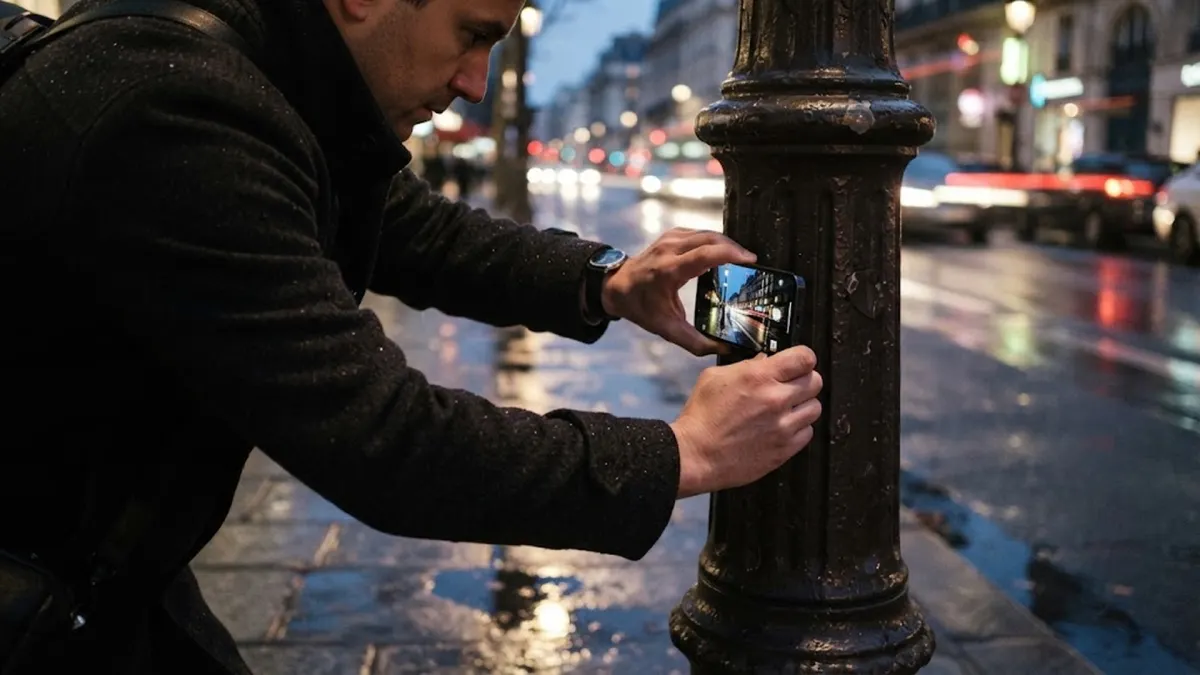
When mobile night mode demands a two-second bracketed exposure, hunt for real-world stabilization points along the sidewalk:
- The Cast-Iron Lamppost: Press the aluminum edge of your phone flat against a lamppost or granite building corner.
- The Planter Ledge: Rest both forearms firmly on a concrete planter box, bridge railing, or fire hydrant cap.
- The Wooden Bench: Balance the bottom rim of the phone directly onto a flat wooden newspaper bench or table edge.
- The Body Brace: When shooting freehand, lock your elbows tight against your ribs, exhale halfway, and squeeze the physical volume button instead of jabbing the glass touchscreen.
The Touchscreen Vibration Fix: Tapping a capacitive glass touchscreen introduces three to five millimeters of physical vibration right as the shutter opens. Squeezing the side volume rocker or setting a two-second self-timer eliminates hand-induced shake completely.
Stealing Ambient Light from Storefront Windows
Amateur photographers point their cameras into pitch-black alleys and hope computational software will work a miracle. Seasoned shooters do the exact opposite: they position subjects where commercial businesses are already paying the electric bill.
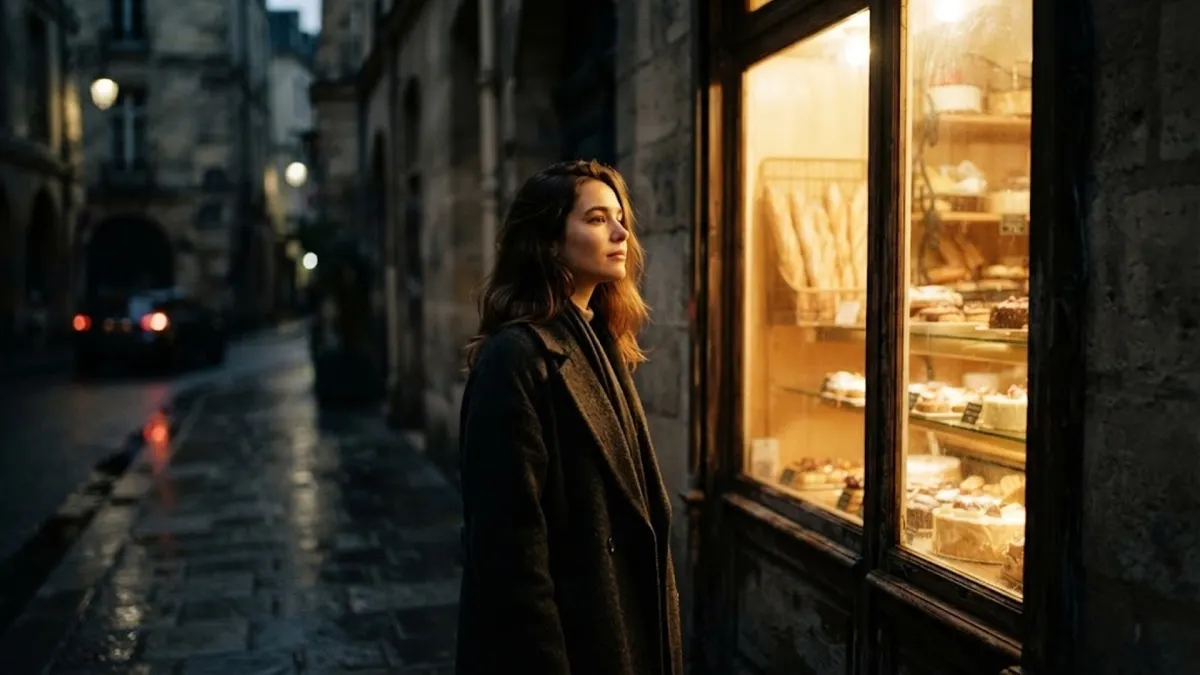
Storefront display windows, illuminated bakeries, neon diner signs, and patio string lights act as massive, free softboxes. When you position a subject at a forty-five-degree angle toward an illuminated shop window, that broad pane of glass diffuses the interior lights across their face. Their facial features get sculpted by soft, directional light, the camera automatically dials back its noisy ISO, and the deep background drops into rich, dramatic shadow.
| Low-Light Scenario | Common Mistake | The Practical Night Fix |
|---|---|---|
| Dim Sidewalk Portrait | Shooting in deep shadow with blotchy noise | Move subject 5 feet toward an illuminated storefront window |
| Shaky Night Mode Exposure | Handheld blur across street signs and edges | Brace elbows on a cafe table or press phone against a lamppost |
| Blown-Out Neon Signs | Lettering flares into blank white glare | Tap screen on neon and drag exposure slider down 1-2 stops |
| Harsh Flash Snapshot | Bleached face with pitch-black void | Keep flash OFF; shoot in RAW to recover natural shadows |
Taming the Light Meter with Exposure Compensation
Smartphone light meters are programmed by engineers who want every scene to look evenly lit. When aimed at a dark midnight street, the software panics, assumes the shadows are an exposure mistake, and artificially brightens the frame until the midnight sky resembles dirty gray dishwater.
You can fix this with a single swipe. Tap your subject on the screen to lock focus and exposure, grab the small sun icon beside the focus box, and drag it downward by one to two stops.
Pulling down exposure compensation achieves two crucial results simultaneously: it prevents neon tubes and streetlamps from blowing out into blank white burn marks, and it shortens the shutter duration, making hand-held camera blur practically vanish.
Locking in Image Data with RAW Format
If your smartphone camera app includes a Pro or RAW mode toggle, switch it on whenever shooting after dusk. Standard JPEG processing permanently discards up to eighty percent of shadow data before the file even saves to your gallery.
A RAW file preserves every uncompressed photon measurement captured by the sensor. When imported into mobile editing tools like Adobe Lightroom or Snapseed, you can lift rich brick textures out of wet cobblestones and correct harsh yellow streetlights into clean, warm amber without inducing pixelated digital banding.
Editorial Conclusion: Darkness is not a defect you have to fight against with blinding flashes. It is a natural backdrop that hides daytime clutter and lets authentic urban lights tell the story.