

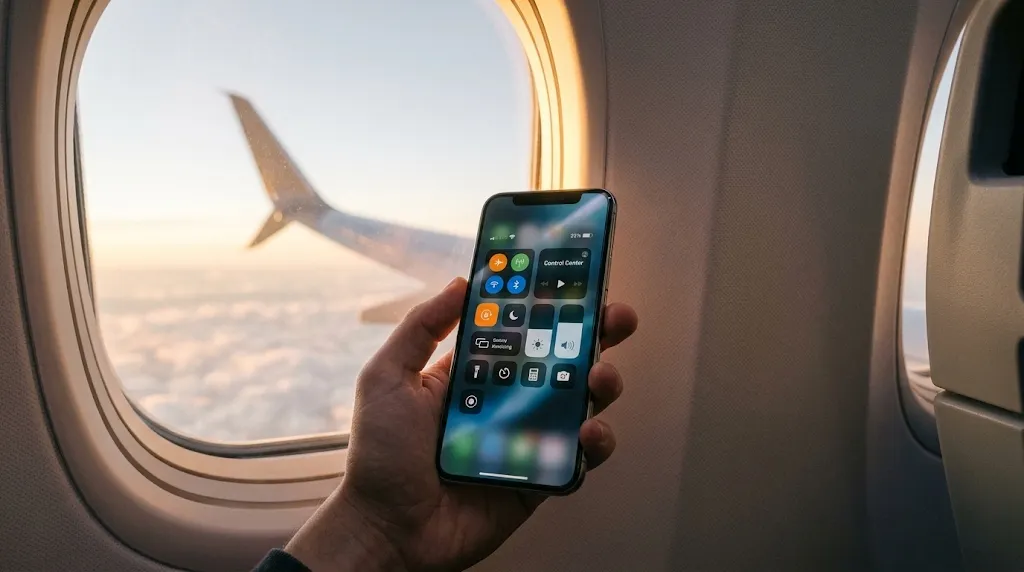

The Silent Radios Inside Your Pocket
Tapping the orange airplane icon on your smartphone is usually treated as a tedious airline formality before takeoff. In reality, that single tap executes an instantaneous emergency hardware shutdown across four separate radio transmitters, cutting off power to components that silently drain battery, track location, and burn through data even while your phone is asleep.
When you flip that little orange plane on, your phone cuts electricity to the cellular modem instantly. It stops hunting for distant cell towers, severs connections to GPS satellites, and powers down both Wi-Fi and Bluetooth antennas. Most people know it keeps the FAA happy during a commercial flight. What few realize is that this basic forty-year-old toggle is the single most powerful diagnostic tool and hardware secret weapon you can use on solid ground.
The Hidden Power Drain: How Dead Zones Kill Batteries
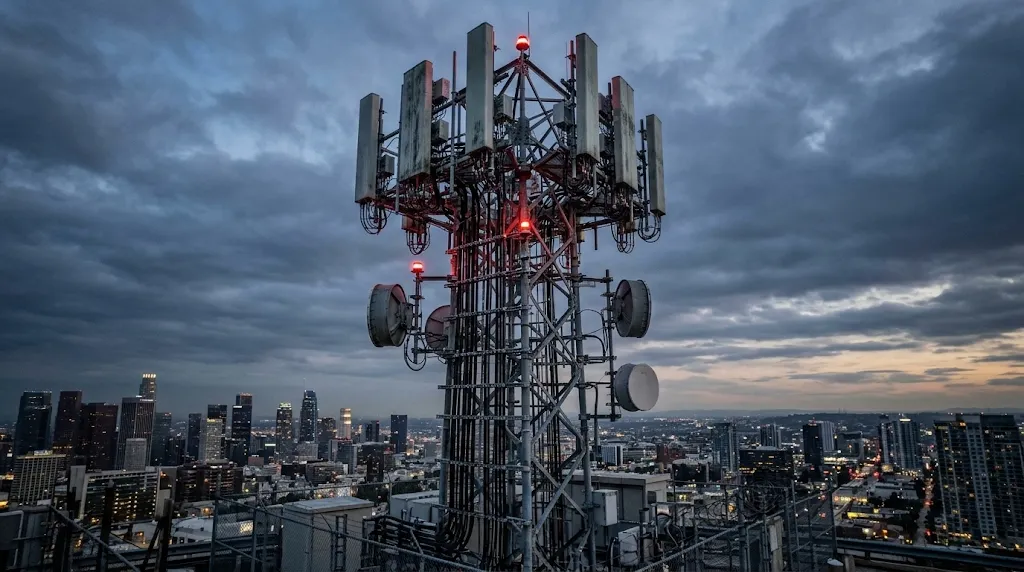
When a phone sits in an area with weak or zero signal—like a concrete basement, an underground subway, a rural highway, or a metal elevator shaft—it does not simply rest. Modern cellular modems are programmed with aggressive automatic gain control circuits. The weaker the signal drops, the more electrical wattage the modem pumps into its internal antennas trying to shout across miles of terrain to reach a cell tower.
The Overnight 100% Trap: What Actually Happens Under Your Laptop Keyboard While You Sleep
That constant transmission strain is the exact reason your phone gets noticeably warm to the touch in low-signal areas while dropping twenty percent of its battery in less than forty-five minutes. Turning on Flight Mode physically disconnects the RF power amplifier from the battery rails, preventing the hardware from burning unnecessary milliwatts in a futile search for towers.
The Cellular Handshake and The 10-Second Signal Reset
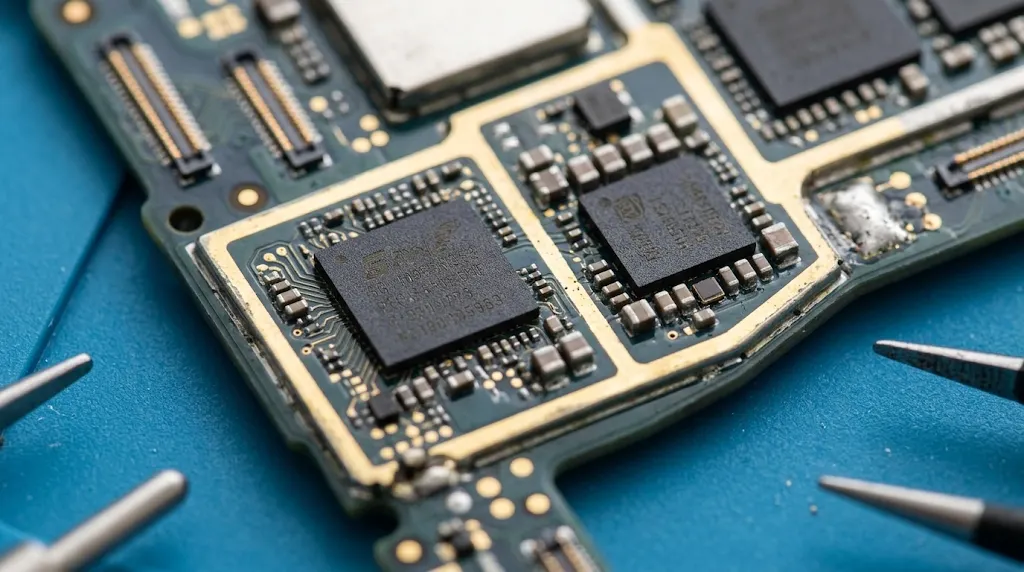
Cellular networks are designed around roaming algorithms. When you travel through a crowded city, your phone latches onto a specific cell tower sector. Even when you move closer to a stronger, faster tower, your phone's modem will stubbornly hold onto the congested or degraded connection until the signal drops below a strict disconnect threshold.
"Switching on Flight Mode for ten seconds forces an instantaneous hard reset on the baseband modem firmware. When you switch it back off, the radio performs a fresh sweep and latches onto the strongest local antenna."
If you find yourself with 'full bars' at a busy airport terminal, sports arena, or train station but zero data throughput, power cycling Airplane Mode is ten times faster than rebooting the phone. It tears down the stalled TCP/IP stack and renegotiates a clean slot with the least congested local cellular carrier band.
| Everyday Situation | Normal Phone State | Airplane Mode State | The Practical Benefit |
|---|---|---|---|
| Underground Parking or Subway | Modem broadcasts at maximum 2W RF power | Cellular radio physically asleep (0W) | Saves 15% to 25% battery drain per hour |
| Frozen Data in Crowded Venues | Stuck on congested, saturated tower channel | Forces complete baseband modem handshake reset | Restores 5G data speed in 8 seconds |
| Emergency Wall Fast Charging | Background sync & radios consume 1.5W | Zero radio draw, maximum current to battery | Charges battery up to 35% faster |
| International Travel / Borders | Silently pings roaming towers in background | Zero data roaming or unexpected fees | Avoids multi-hundred dollar roaming bills |
The Charging Acceleration Physics
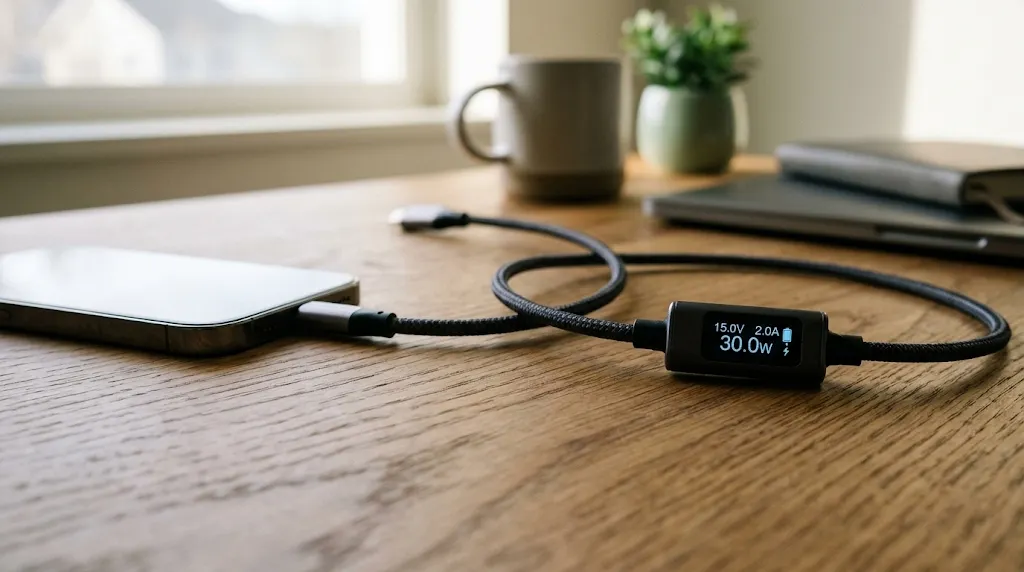
When you plug a modern phone into a fast charger, charging speed is dictated by thermal limits and power management ICs. A phone that is actively checking push notifications, maintaining Wi-Fi handshakes, and syncing iCloud or Google Drive photos generates ambient heat on the circuit board.
When the phone's thermal sensors detect elevated temperatures, the charging controller automatically throttles charging speed from 30 watts down to 12 or 15 watts to protect the lithium-ion battery. Activating Flight Mode kills all background RF heat generation instantly. Because the logic board remains cool, the charging controller sustains maximum fast-charging current for far longer, slicing substantial minutes off your top-up time.
The Focus and Mental Clarity Dividend
Beyond the physics of RF amplifiers and lithium charging curves, Flight Mode provides an absolute digital boundary. Unlike 'Do Not Disturb' modes which still permit background alerts, vibration cues, and data polling, Airplane Mode severs the umbilical cord to the global internet completely.
It transforms your pocket computer back into a localized, distraction-free tool: an offline notebook, an e-reader, or an uninterrupted camera. Taking control of the orange toggle isn't just about adhering to commercial aviation rules—it is about mastering the hardware you carry in your pocket every day.