
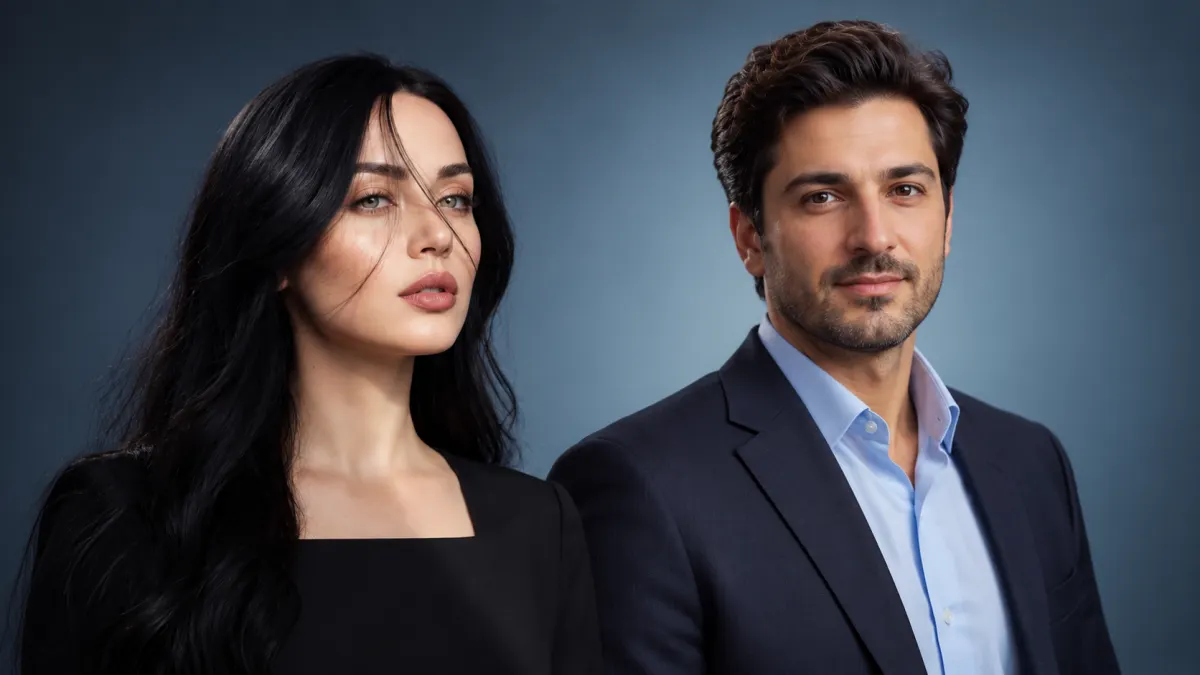

Your profile picture is often the first thing people notice about you online. Whether you're building a professional reputation, showing off your creative side, or expressing your personal style, the right image can make a big difference.
The good news? You don't need expensive equipment or a professional photographer to get a great-looking portrait. With today's powerful AI image generators, you can create eye-catching profile pictures in just a few clicks.
Read More
By using the right AI prompts and choosing a tool that fits your needs, you can create unique profile pictures for LinkedIn, Instagram, Telegram, gaming communities, and more.
In this guide, we'll share some of the best AI profile picture prompts for ChatGPT, Google Gemini, Grok, Midjourney, and other image-generation tools, including free options.
The Best AI Tools for Creating Profile Pictures
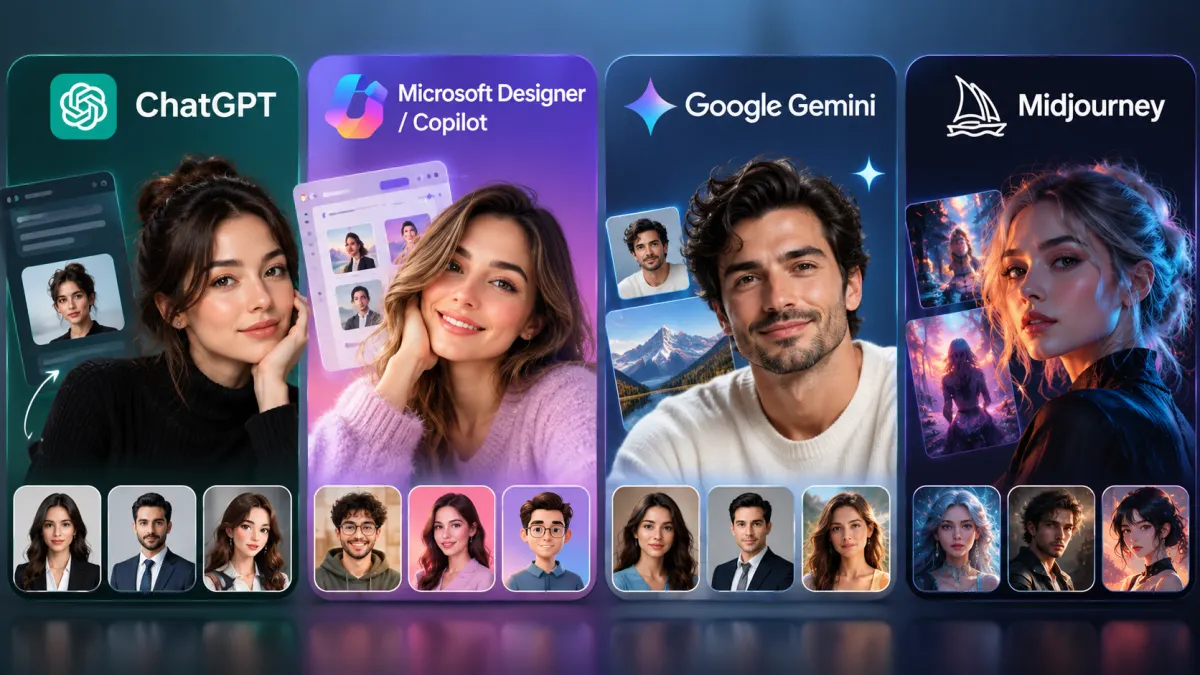
- ChatGPT: Great for understanding natural language, detailed descriptions, and complex instructions. The free version may offer image generation with usage limits.
- Microsoft Designer / Copilot (Bing Image Creator): A convenient option for generating professional, creative, and square profile images, with access depending on the current plan and availability.
- Google Gemini: A useful choice for natural-looking portraits, realistic skin textures, and soft, balanced lighting.
- Midjourney: A powerful option for artistic, cinematic, minimalist, and high-quality portraits, with advanced control over visual style. Paid access may be required.
Part 1: Professional and Corporate Profile Picture Prompts

These prompts are ideal for LinkedIn, resumes, company websites, and other professional profiles.
Recommended tools: Google Gemini for natural-looking portraits, and ChatGPT or Microsoft Copilot for detailed clothing and office settings.
1. Classic Corporate Male Portrait
Prompt:
Best for: LinkedIn profiles, company websites, and international resumes.
2. Elegant Corporate Portrait for Women
Prompt:
Best for: LinkedIn profiles for executives, senior professionals, and lawyers.
3. Smart-Casual Startup Portrait
Prompt:
Best for: GitHub profiles, software engineers, startup founders, and LinkedIn accounts.
4. Dramatic Executive Portrait
Prompt:
Best for: CEOs, senior financial consultants, and professional speakers.
5. Outdoor Business Portrait With Natural Light
Prompt:
Best for: Marketing professionals, public relations specialists, and coaches.
If you're looking for more creative AI image ideas, you can also use these tools to recreate childhood memories and imagine yourself at a younger age. Check out our article, A Journey Into the Past: Reconnect With Your Inner Child Through AI, for more inspiration.
Part 2: Creative, Modern, and Minimalist Profile Picture Prompts
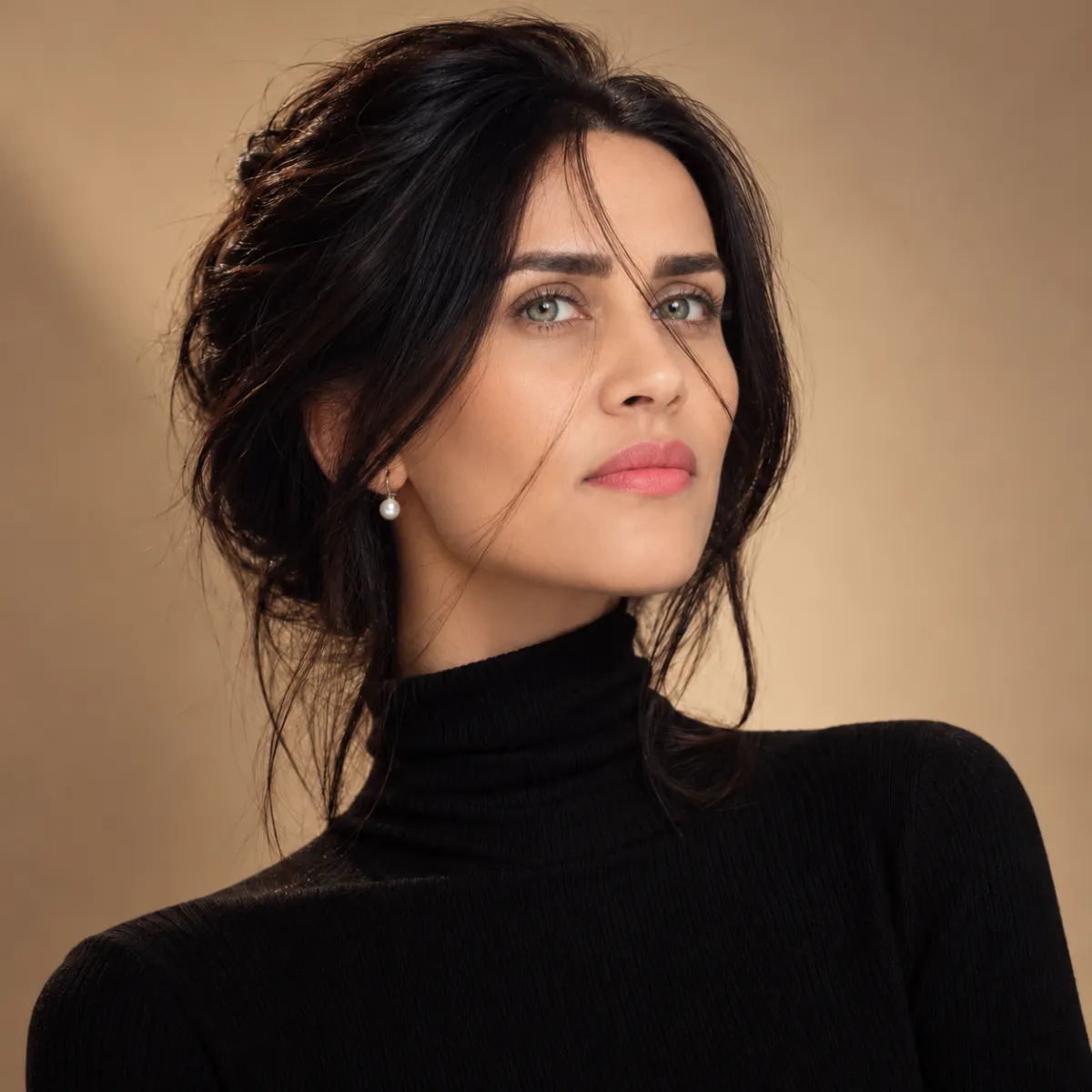
These styles are great for designers, freelancers, content creators, and people who want something a little different for their social media profiles.
Recommended tools: Midjourney and Microsoft Copilot / Bing Image Creator.
6. Minimalist Portrait With a Turtleneck
Prompt:
Best for: UI/UX designers, architects, and freelance content creators.
7. Vibrant Studio Portrait With a Colorful Background
Prompt:
Best for: Instagram accounts, educational channels, and Telegram profiles.
8. Cinematic Teal and Orange Lighting
Prompt:
Best for: Video editors, YouTubers, and media professionals.
9. Classic Black-and-White Portrait
Prompt:
Best for: Writers, podcasters, and photographers.
10. Coffee Shop and Freelance Lifestyle Portrait
Prompt:
Best for: Bloggers, consultants, and content creators.
Choosing the right prompt is only part of the process. The AI tool you use can also affect the final result. If you're unsure which model to try, read our comparison of ChatGPT GPT-5.2 vs. Google Gemini 3 Pro to learn more about their differences.
Part 3: Cartoon, 3D, and Fantasy Avatar Prompts
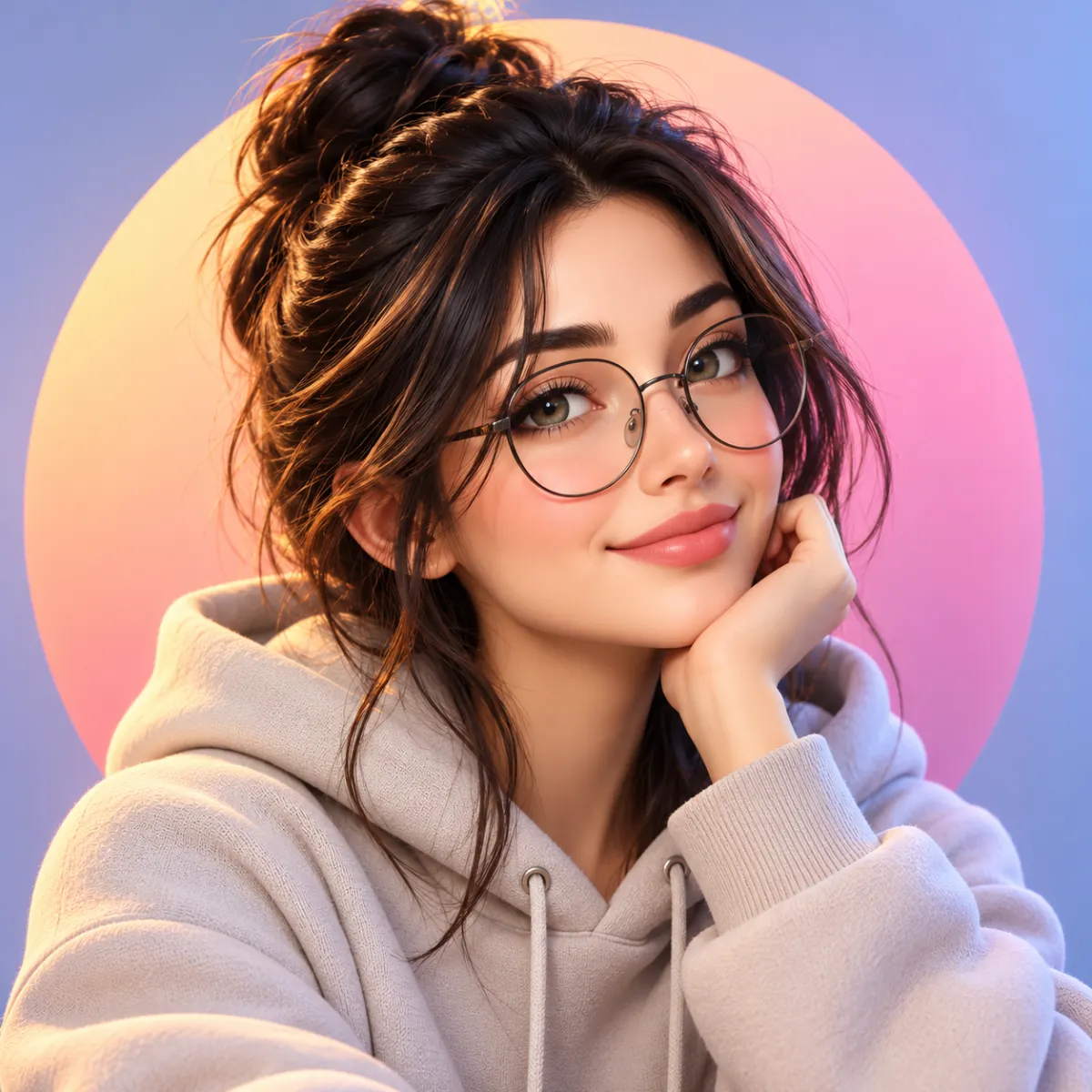
Want a profile picture that doesn't look like a traditional photograph? These prompts are perfect for gaming accounts, X, Discord, and other online communities.
Recommended tools: ChatGPT and Microsoft Copilot / Bing Image Creator for animated and 3D-inspired styles.
11. Modern 3D Avatar
Prompt:
Best for: X, Discord, and casual online profiles.
12. Modern Anime Avatar
Prompt:
Best for: Social media users, anime fans, and pop culture enthusiasts.
13. Cyberpunk Neon Avatar
Prompt:
Best for: Gamers, Web3 communities, and technology-focused accounts.
14. Minimalist Vector Avatar
Prompt:
Best for: Slack, Trello, business accounts, and customer support profiles.
15. Fantasy Elf or Mage Portrait
Prompt:
Best for: Gaming profiles, Discord, and role-playing game (RPG) communities.
AI image generation isn't just for adults or professional creators. Kids can also turn their ideas into images using age-appropriate tools. For more options, check out our guide to The Best AI Websites for Kids.
Part 4: Casual, Friendly, and Lifestyle Profile Picture Prompts
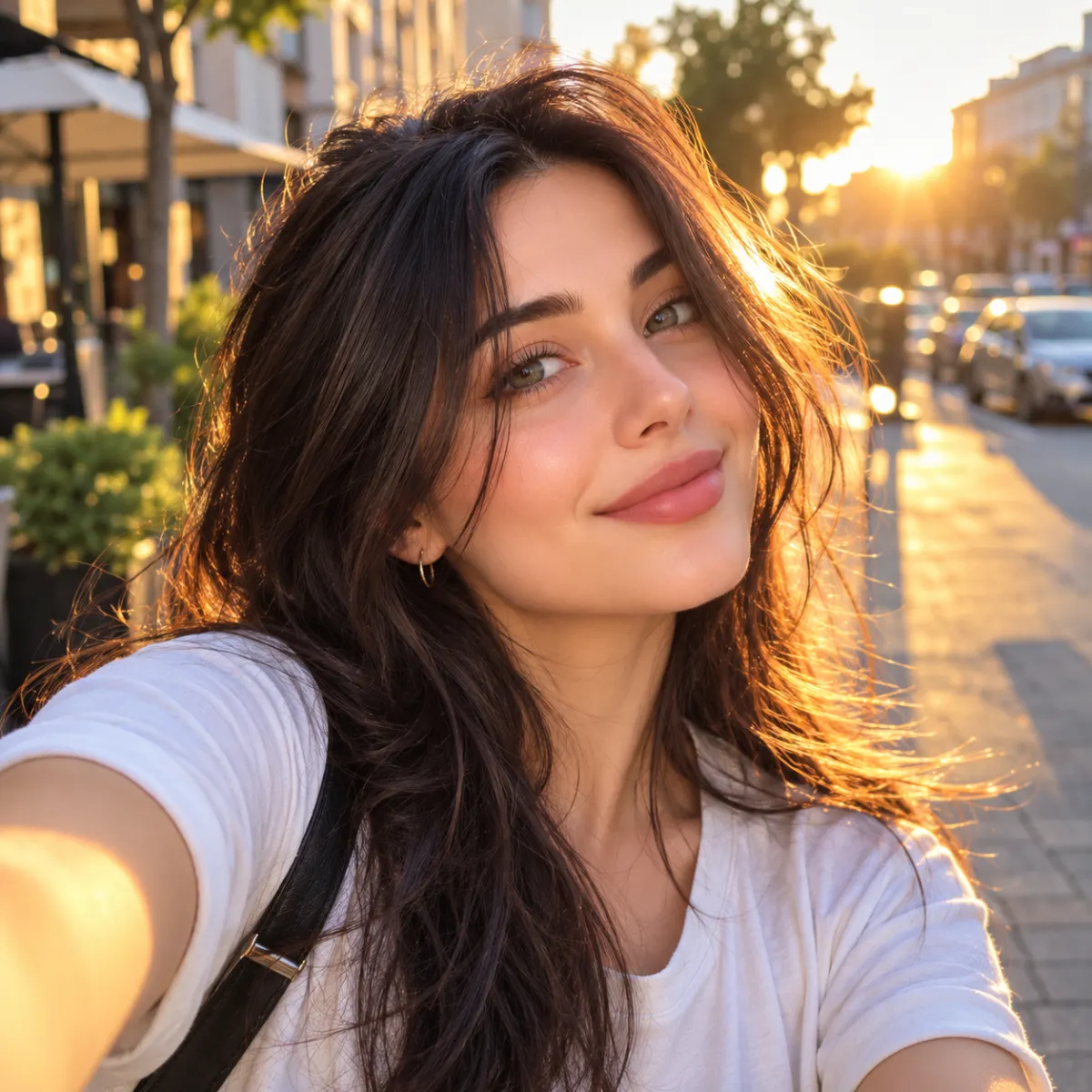
For everyday social media accounts, a relaxed and natural-looking photo can feel more personal than a formal studio portrait.
Recommended tools: Google Gemini and ChatGPT.
16. Sun-Kissed Golden Hour Selfie
Prompt:
Best for: Personal WhatsApp and Instagram profiles.
17. Fresh Portrait Surrounded by Greenery
Prompt:
Best for: Environmental enthusiasts, wellness communities, and lifestyle accounts.
18. Soft Pastel Aesthetic Portrait
Prompt:
Best for: Art accounts, Pinterest, and minimalist social media pages.
19. Urban Streetwear Portrait
Prompt:
Best for: Fashion bloggers, streetwear enthusiasts, and Instagram fashion accounts.
20. Cozy Home Office Portrait
Prompt:
Best for: Teachers, academic consultants, and everyday bloggers.
If you enjoy creating images with AI prompts, why not take things a step further and turn your ideas into videos? Pika Art is one tool that can help bring visual concepts to life. Read our guide, Pika Art AI: Turn Your Ideas Into Videos in Just a Few Clicks, to learn more.
Part 5: Advanced and Eye-Catching Profile Picture Prompts
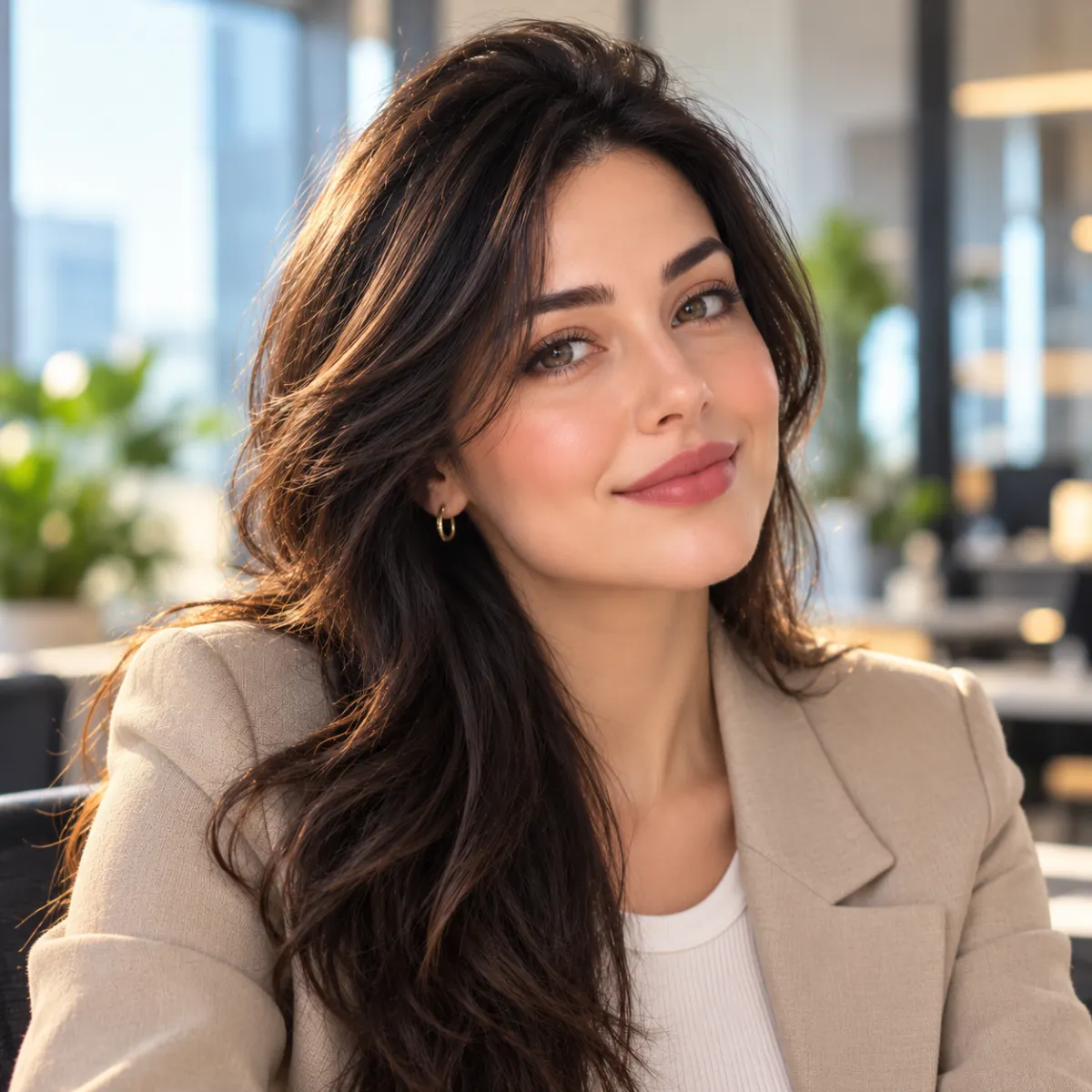
These more detailed prompts are designed for people who want greater control over composition, lighting, facial details, and the overall look of their profile pictures.
Recommended tool: Grok.
21. Professional LinkedIn Headshot
Prompt:
Best for: LinkedIn, resumes, personal websites, and professional networking platforms.
22. Creative Professional Portrait
Prompt:
Best for: Professional profiles, personal branding, social media, and business introductions.
23. Golden Hour Outdoor Portrait
Prompt:
Best for: Instagram, WhatsApp, LinkedIn, and other social media platforms.
Comparing AI Tools for Profile Picture Generation
| AI tool | Access | Best styles | Main strengths |
|---|---|---|---|
| Bing Image Creator / Copilot | Free options available | 3D avatars, professional portraits, fantasy art | Convenient image generation and a range of visual styles |
| Google Gemini | Free access with possible limits | Realistic and natural portraits | Natural-looking skin textures and balanced lighting |
| ChatGPT | Free access with usage limits; paid plans may offer more | Detailed, descriptive, and creative portraits | Understands detailed instructions and natural-language prompts |
| Midjourney | Paid subscription generally required | Artistic, fashion, and cinematic portraits | High visual quality and detailed creative control |
| Grok Imagine | Free access may be limited; paid plans offer additional features | Realistic, cinematic, and creative portraits | Prompt-based image creation, editing, and stylistic control |
Note: Availability, model names, image-generation limits, and subscription features can change over time.
5 Tips for Creating Better AI Profile Pictures
1. Keep the Circular Crop in Mind
Most social media platforms display profile pictures inside a circle. To avoid cutting off your head or shoulders, include phrases such as these in your prompt:
head and shoulders, centered composition
This helps keep the main subject within the visible area.
2. Avoid the Plastic or Doll-Like Look
Sometimes AI-generated portraits look overly smooth or artificial. To make the result feel more natural, add these phrases to your prompt:
natural skin texture, realistic facial features, subtle imperfections, 85mm portrait photography
These instructions encourage more realistic skin details and photographic styling.
3. Keep the Background Simple
Your face should be the main focus of your profile picture. Avoid distracting backgrounds by using descriptions such as:
softly blurred background
Or:
solid studio backdrop
A clean background helps your profile picture look more polished, especially when displayed at a small size.
4. Customize the Details to Match Your Appearance
You can personalize any of the prompts above by changing details such as hair color, hairstyle, glasses, clothing, and cultural or religious attire.
For example, replace the original description with:
black curly hair
Or:
short blonde hair
You can also add:
wearing round modern glasses
The more accurately you describe the look you want, the easier it is to guide the image generator toward your preferred style.