

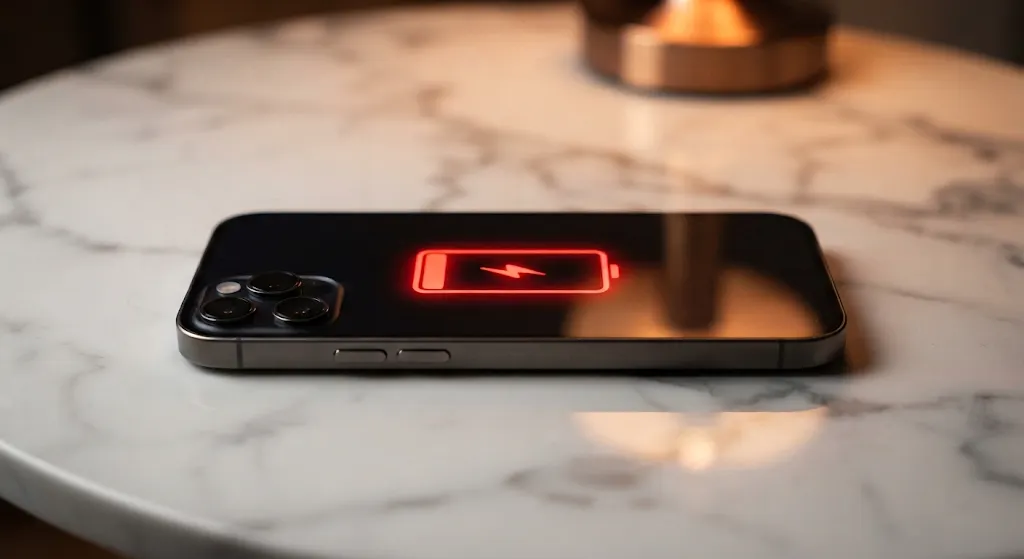

The Mystery of the Vanishing Battery Percentage
Pick up an old smartphone from 2010, and you will find a tiny removable battery pack rated at barely 1,200 milliamp hours. Today, modern glass-and-metal slabs pack enormous power cells holding 5,000 milliamp hours or more. On paper, our phones carry more raw electrical energy than ever before in human history. Yet almost every smartphone owner shares the exact same daily frustration: watching that glowing green battery icon turn into a panicked sliver of red before the dinner dishes are cleared.
Read More


It feels like a puzzling contradiction. If batteries grew five times larger over the last decade, our phones should easily cruise through two or three full days on a single morning charge. Instead, we carry bulky power banks in our jackets, stash spare charging cables inside car gloveboxes, and look for wall outlets every time we sit down at a coffee shop. To understand where all that electrical juice disappears, you have to look closely at the invisible demands modern phones make every single second.
The truth is that while battery chemists worked tirelessly to pack more chemical energy into razor-thin phone bodies, phone makers added power-hungry hardware features even faster. Your smartphone today is not just a telephone; it is a pocket-sized supercomputer driving ultra-bright displays, searching across complex wireless networks, and running dozens of artificial intelligence tasks while resting quietly inside your pocket.

The Screen Race: Ultra-Smooth and Blindingly Bright
By far the biggest consumer of battery power in any modern handset is the glowing pane of glass you look at all day. A decade ago, smartphone screens refreshed sixty times per second and topped out at modest brightness levels. Today, nearly every flagship device features a 120-hertz display that refreshes twice as fast to make scrolling through social feeds and web pages feel as smooth as liquid silk.
Pushing that many pixels twice as often forces the graphics chip inside your phone to work overtime, chewing through battery reserves at an astonishing rate. Compounding the problem is the outdoor brightness war. Modern displays can now blast over two thousand nits of peak illumination so you can read text clearly under direct summer sunlight. When your phone kicks into maximum outdoor brightness, it consumes power like a miniature halogen floodlight.
Fortunately, you do not have to sacrifice a beautiful viewing experience to get your battery life back under control. Most modern operating systems include dynamic refresh rate settings that automatically dial the screen down to a power-sipping one hertz when you are reading a static article or e-book. Taking a few seconds to verify that adaptive refresh is turned on and nudging your auto-brightness slider down by just ten percent can add an hour or more of usable screen time every single day.
Invisible Energy Thieves: 5G Radios and Background Chatter
Even when your phone screen is completely black and resting face-down on your kitchen counter, internal silicon chips are burning through energy behind the scenes. The primary culprit is the complex radio modem connecting you to mobile cell towers. Fifth-generation mobile networks offer blistering download speeds, but finding and holding onto high-frequency 5G millimeter signals requires multiple internal antenna arrays operating simultaneously at full strength.
If you live or work in an area where 5G coverage fluctuates between two or three bars, your phone's modem repeatedly boosts its internal power amplifier to prevent dropped calls. This constant hunting behavior drains substantial battery reserves without you ever touching the screen. Switching your network settings to prefer reliable 4G LTE connections during daily commutes or in patchy signal zones frequently resolves mysterious afternoon battery drops instantly.
The second invisible thief is background application chatter. Social media feeds, navigation tools, and shopping applications constantly ping remote servers to check for updates, track your physical location, and preload video advertisements. By diving into your device settings and disabling background refresh for apps you only use occasionally, you stop dozens of silent programs from waking up your processor hundreds of times an hour.
Smart Charging Habits to Protect Long-Term Capacity
Beyond daily software settings, the physical way you charge your phone determines whether your battery stays healthy for years or degrades into a sluggish mess within months. Modern lithium-ion cells experience the greatest chemical stress at the extreme ends of their capacity: sitting completely empty at zero percent, or staying plugged in at one hundred percent under hot room temperatures.
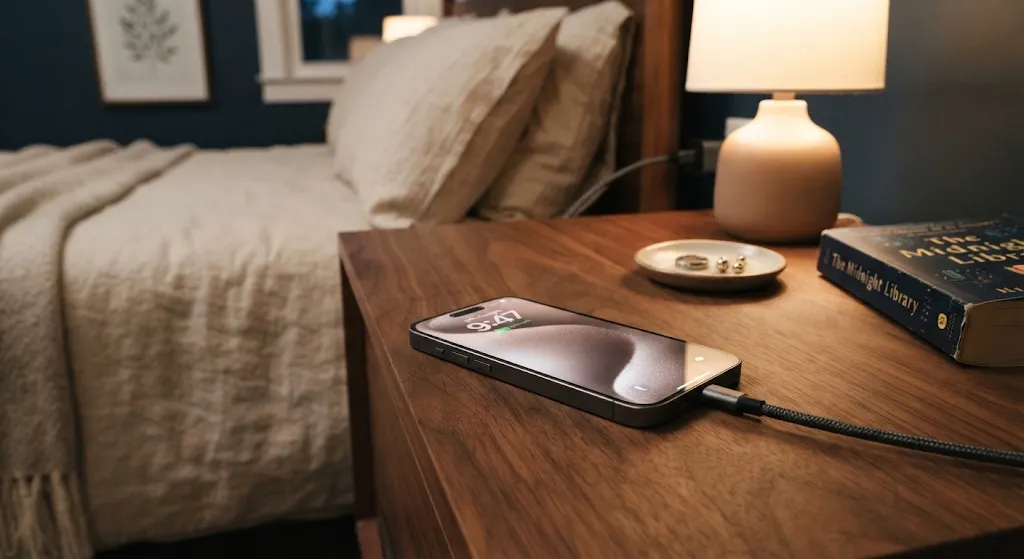
Ultra-fast charging bricks that deliver sixty to one hundred watts of power are wonderful when you need a quick twenty-minute emergency boost before leaving the house. However, dumping that much electrical current into a phone generates significant heat, which slowly breaks down internal battery electrolytes over time. Whenever possible, using standard slow chargers for overnight bedside charging keeps temperatures cool and extends the overall chemical lifespan of your hardware.
Most modern phones now offer built-in battery protection features that pause charging at eighty percent overnight, waiting until just before your morning alarm rings to top off the remaining twenty percent. Enabling this single toggle prevents your phone from sitting fully saturated under electrical tension for six hours every night, keeping the battery pack strong and dependable for years to come.
Taking Back Control of Your Day
Modern smartphones are incredible technological marvels that connect us with the world, capture cherished family memories, and guide us through unfamiliar cities. But a powerful computer is only useful as long as it has electricity to operate. You do not need to turn your smartphone into a crippled black-and-white brick or live in constant low-power mode to make it through the evening comfortably.
By understanding which components demand the most power and making a few thoughtful adjustments to screen brightness, network preferences, and background app permissions, you can reclaim hours of daily battery life. Best of all, you can finally leave that bulky wall charger at home and enjoy your evenings with complete peace of mind, confident that your phone will stay awake for as long as you do.