

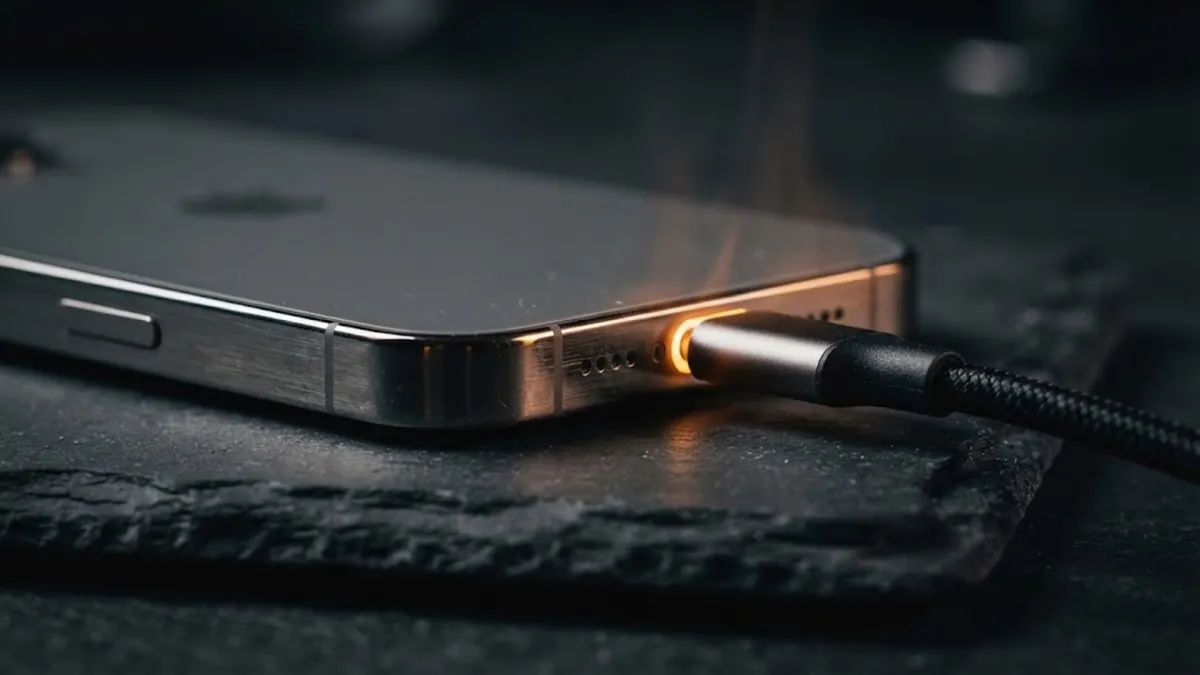

The Sixty-Watt Pocket Heater
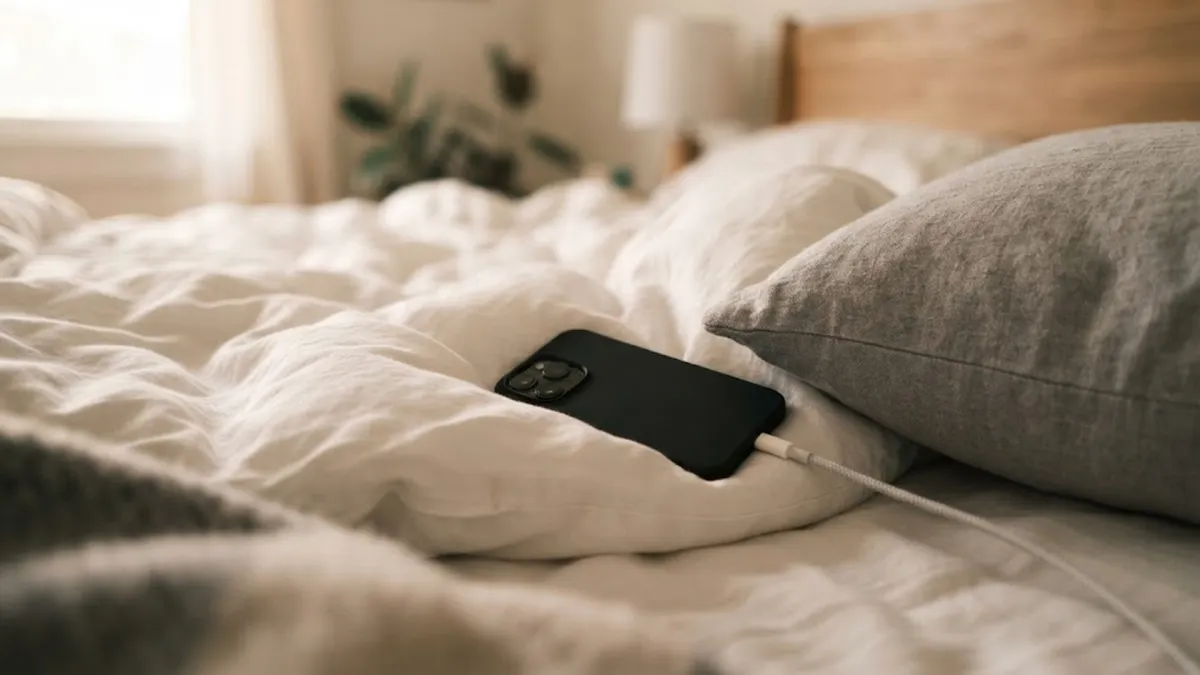
My cousin bought a fancy sixty-watt charging brick for his smartphone last December. Two days later, he called asking if the phone was about to catch fire because the glass back felt hot enough to fry an egg. I told him to look at where the phone was resting. He had it plugged in face down on top of a down comforter while playing a high-resolution 3D mobile game.
I picked up my iPhone after ten minutes on a new sixty-watt brick last week, and the aluminum sides felt like a fresh cup of diner coffee. Your first thought is usually panic. You picture the lithium battery puffing up like a balloon inside the casing. But that warmth is actually basic physics in action.
Inside your phone's charging port sits a tiny microchip that constantly talks to the wall adapter. The chip monitors voltage, checks temperature readings every second, and tells the wall brick exactly how much current to deliver so the lithium cells stay safe.
The 1966 Palomares B-52 Crash: How the Navy Found a Lost Hydrogen Bomb 2,800 Feet Under the Sea
The 0-to-80% Charging Sprint
When your battery sits near empty, the wall brick pumps power as fast as the copper wire can handle it. The internal lithium-ion cells absorb incoming current rapidly when depleted, allowing a depleted battery to reach fifty percent charge in roughly twenty minutes.
This early sprint is where nearly all the heat is generated. Electrical resistance naturally turns excess wattage into thermal energy. But once you cross eighty percent capacity, the phone's charging controller steps in and throttles the incoming juice down to a trickle. That is why the first half of your battery fills up in twenty minutes, while the remaining twenty percent takes another half hour.
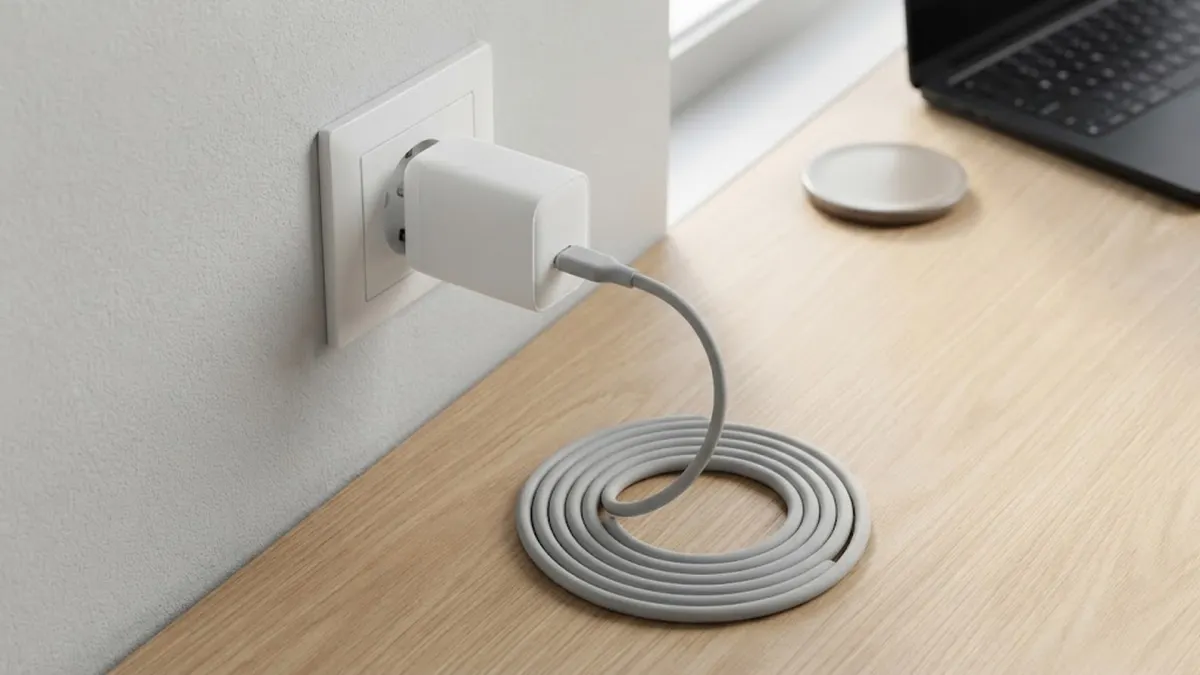
Gallium Nitride and the Shrinking Power Brick
If you ever dropped an old Dell or ThinkPad laptop charger on your foot, you know how heavy those black power bricks used to be. Today you can buy a sixty-five watt charger that weighs less than a deck of playing cards. That is because engineers replaced old silicon chips with gallium nitride crystals. GaN runs cooler and conducts power much faster. But because the charger is so small, the outer shell has less plastic surface area to radiate heat, making it feel hot in your hand.
Traditional silicon chips waste a measurable portion of incoming alternating current as radiated heat. Gallium Nitride conducts electrons over one thousand times more efficiently, allowing manufacturers to pack heavy power circuits into tiny travel plugs. That heat on the plastic surface is normal; it is simply escaping into the room instead of accumulating inside the electrical socket.
| Charging Environment | Heat Dissipation | Long-Term Battery Impact |
|---|---|---|
| Flat Wooden or Glass Desk | Excellent (air circulates around chassis) | Minimal wear; preserves 85%+ capacity over two years |
| Thick Blanket, Sofa or Pillow | Very Poor (insulates and traps escaping heat) | Accelerated wear; liquid electrolyte bakes and degrades |
| Heavy Shockproof Silicone Case | Moderate to Poor (creates a thermal barrier) | Traps warm air against rear glass during fast charging |
| Direct Sunlight on Car Dashboard | Dangerous (external solar heat compounds current) | Triggers emergency shutdown; risks thermal battery swelling |
The Soft Mattress and Blanket Trap
The real enemy of your battery is not the high wattage itself; it is trapped heat that cannot escape. Modern smartphones rely entirely on their glass backs and aluminum or titanium frames to radiate thermal energy away into the surrounding air.
If you leave your phone trapped on a soft mattress or wrapped inside a thick rubber case while fast charging, that excess heat bakes the liquid electrolyte inside the lithium pouch. The foam fibers act like a winter coat, trapping the heat directly against the phone's logic board.
When I worked behind the counter at an Apple service desk back in 2017, we could tell which customers charged their phones under sofa cushions just by opening the metal case. The battery pouches had tiny silver stretch marks and felt squishy like old bubble gum. Once that internal gel cooks from high heat, you cannot fix it with software updates or resets. The only solution is paying ninety dollars for a physical replacement.
It only takes six months of hot charging to permanently knock twenty percent off your maximum battery capacity. When the internal electrolyte degrades from constant exposure to temperatures above forty degrees Celsius, the battery permanently loses its ability to hold a charge, forcing you to seek expensive repairs.
The Gaming While Charging Mistake
Never play heavy 3D mobile games while connected to a fast charger. The graphical processing chip and the battery generate high heat at the exact same moment, pushing internal temperatures into the danger zone.
The Psychology of Overnight Charging
For over a decade, tech forums warned people never to leave a phone plugged in overnight, claiming it would overcharge and explode. With modern lithium-ion batteries, actual overcharging is an absolute physical impossibility. Built-in cut-off switches physically disconnect incoming current the millisecond the chemical cell registers full saturation.
The real issue with overnight charging is what engineers call trickle stress. Once your battery hits one hundred percent at two in the morning, background apps and push notifications pull tiny amounts of current. The phone drops to ninety-nine percent, the charger kicks on, and the cell is repeatedly bumped against maximum chemical capacity for six straight hours under high voltage stress.

The 3 Simple Habits That Protect Your Battery
You do not need to abandon fast charging or return to slow five-watt charging adapters from ten years ago. A few effortless daily habits keep your phone running at peak performance without degrading battery capacity.
First, always charge your phone on a hard, flat surface like a wooden desk, nightstand, or stone countertop where ambient air can circulate underneath the chassis. If your home gets warm during the summer, simply popping off a heavy dual-layer silicone case before plugging into a high-wattage brick allows heat to escape three times faster.
Second, take advantage of modern battery protection features built into iOS and Android. Both operating systems now include intelligent charging controls that learn your daily sleep schedule, pausing incoming power at eighty percent overnight and only finishing the final trickle charge just before your morning alarm rings.
Third, stop stressing about reaching one hundred percent before you leave the house. Lithium batteries are happiest between twenty and eighty percent state of charge. A quick twenty-minute top-up while you brush your teeth in the morning provides plenty of power for the day without exposing your device to prolonged high-voltage saturation.
By understanding how thermal resistance works and giving your phone room to breathe while charging, you can enjoy thirty-minute rapid top-ups every single day while keeping your battery healthy for three to four full years of uninterrupted use.
Quick Battery Preservation Rules
Rule of Thumb: High current creates natural warmth; your job is simply letting that warmth escape into the room.
- Hard Surfaces Only: Keep your phone off beds, sofas, and carpets while connected to high-wattage chargers.
- Case Check: Remove thick shock-absorbing cases during rapid charging sessions if the room feels warm.
- Enable 80% Limits: Use built-in battery optimization toggles to prevent lithium cells from baking at 100% all night.
- Avoid Full Depletion: Plugging in at twenty percent is far gentler on lithium electrodes than draining to absolute zero.