
 11 November 2026
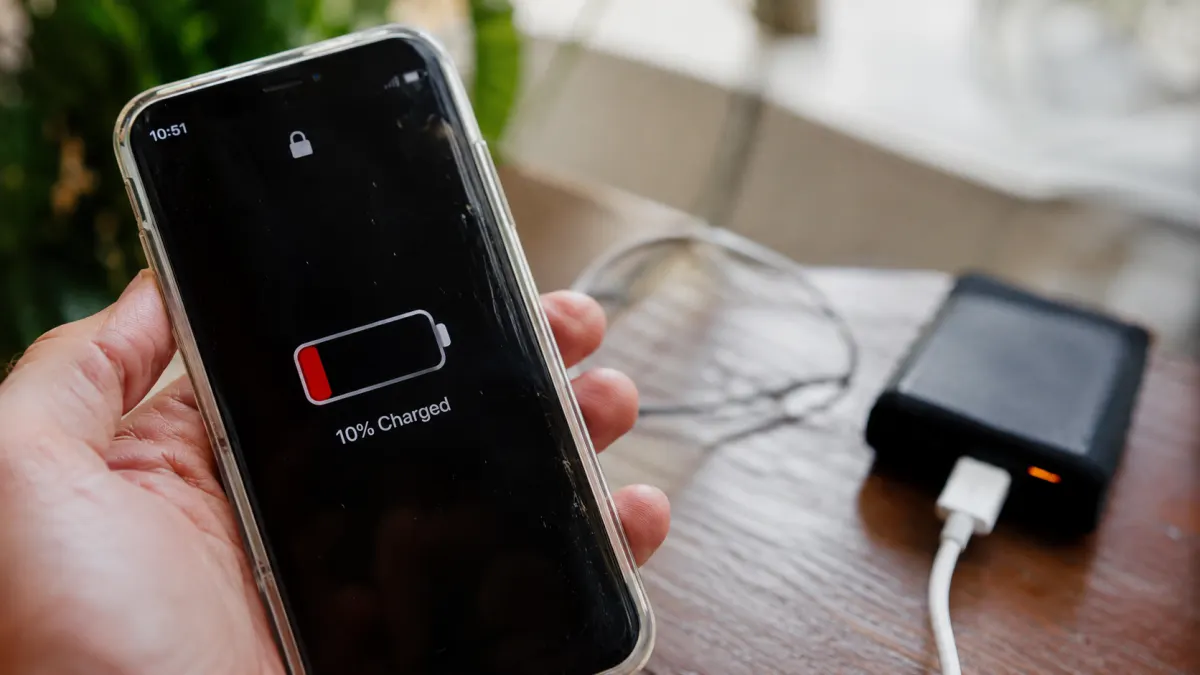
Few things are more frustrating than seeing your smartphone battery drop to almost zero when you still have hours left in your day. Fortunately, you don't always need a new phone to improve battery performance.
Tired of Charging Your Phone All the Time? Here's How to Keep Its Battery Going Longer!
A few small changes to your settings and everyday habits can help reduce unnecessary power consumption. Whether you use an iPhone or an Android device, these 12 practical tips can help your battery last longer throughout the day.
Detailed Reviews
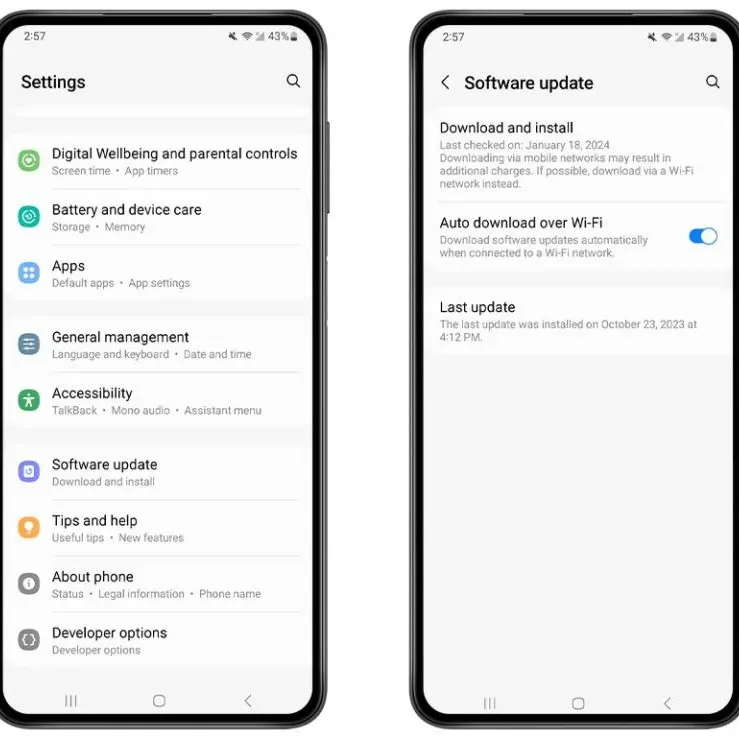
Keep Your Phone's Software Updated
An update might do more than introduce new features.
Install official software updates and keep your apps reasonably up to date. Updates can fix problems and include improvements that help your phone manage power more efficiently.
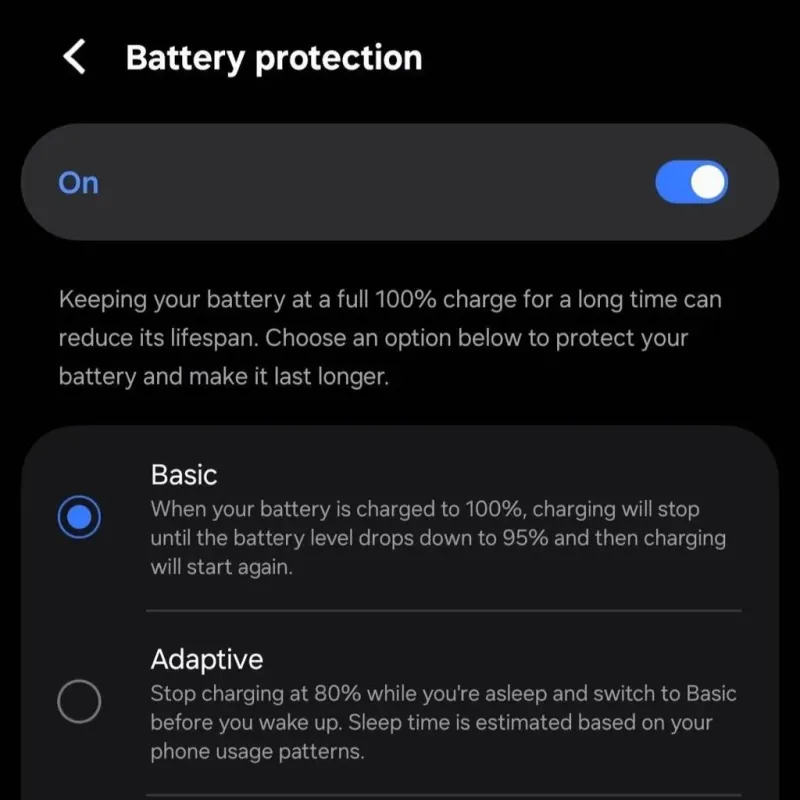
Use Optimized Charging Settings
Help battery stay healthier over the long term.
Many modern phones offer optimized charging or battery protection settings. These features can reduce the time a battery spends fully charged, helping maintain its long-term health.
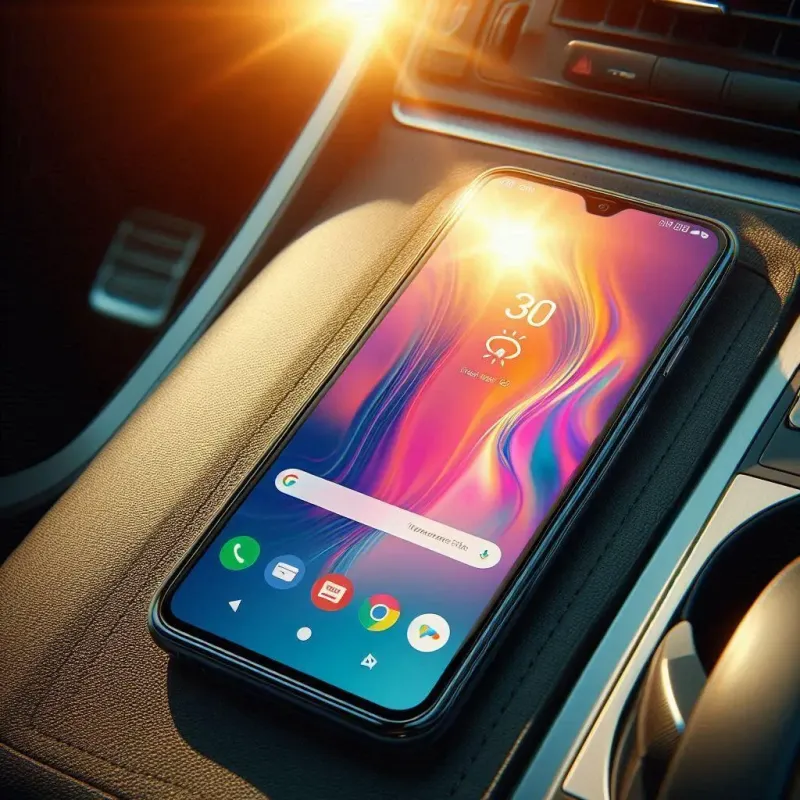
Keep Your Phone Away from Excessive Heat
Hot temperatures can be bad for battery.
Avoid leaving your phone in direct sunlight or hot environments, especially while charging. Excessive heat can affect battery performance and reduce its long-term capacity.
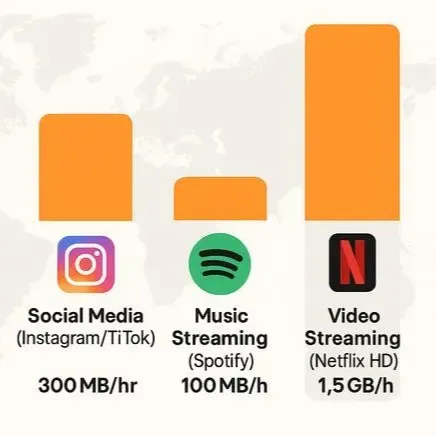
Reduce Heavy Battery-Draining Activities
Some activities demand more power than others.
Long navigation sessions, video streaming, mobile hotspots, and graphics-heavy games can drain your battery quickly. Reduce unnecessary use of these features when you need your phone to last longer.
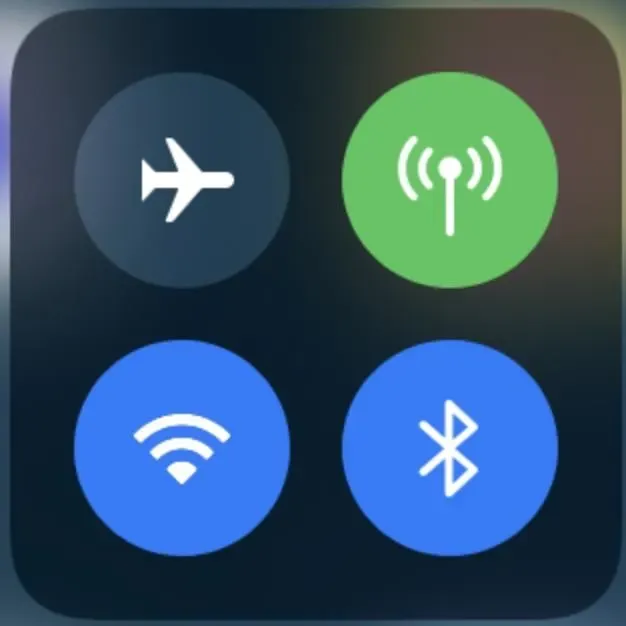
Turn Off Connections You're Not Using
Your phone doesn't need every connection all the time.
Turn off Bluetooth, Wi-Fi, or other connections when you don't need them. In areas without mobile coverage, Airplane Mode can also help reduce power consumption.
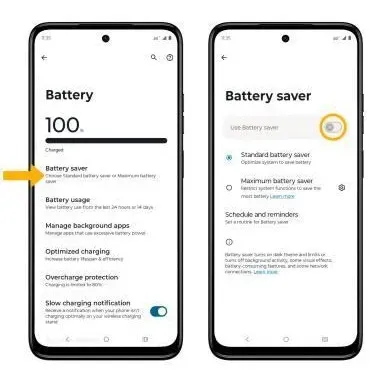
Turn On Battery Saver When Needed
Give your phone extra time when the battery gets low.
When your battery is running low, activate Battery Saver on Android or Low Power Mode on iPhone. These features reduce selected activities and can help your phone stay powered longer.
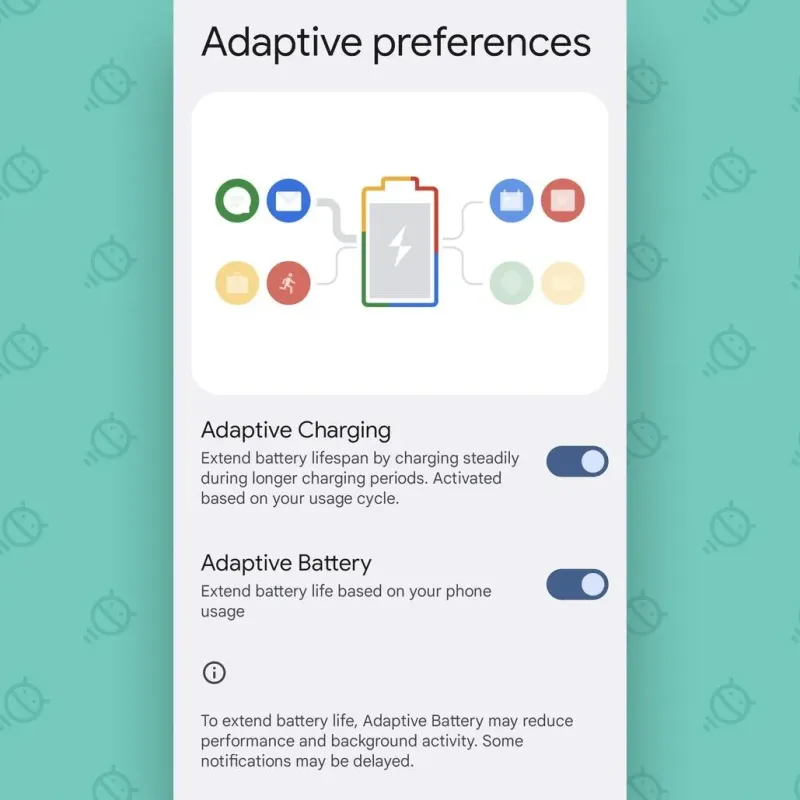
Enable Adaptive Battery Features
Let smartphone learn which apps you actually use.
Many Android phones offer Adaptive Battery features that learn your usage habits and manage power for less frequently used apps. Keep battery optimization enabled.
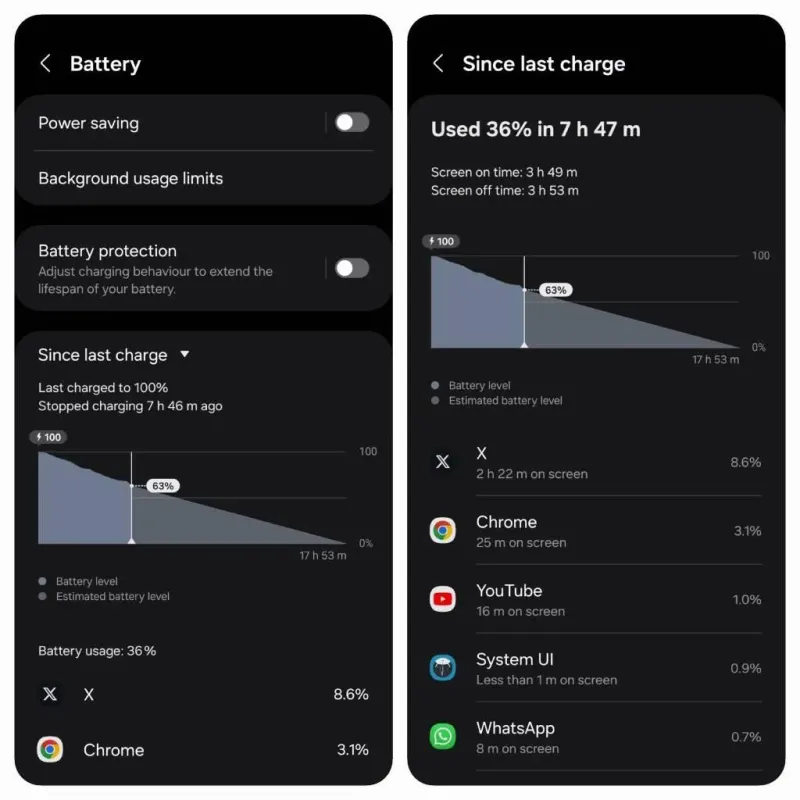
Find Out Which Apps Drain Your Battery
Your battery settings can reveal some surprising power users.
Open your phone's battery settings and review which apps consume the most power. If an app uses an unusual amount while idle, check its permissions, background settings, and available updates.
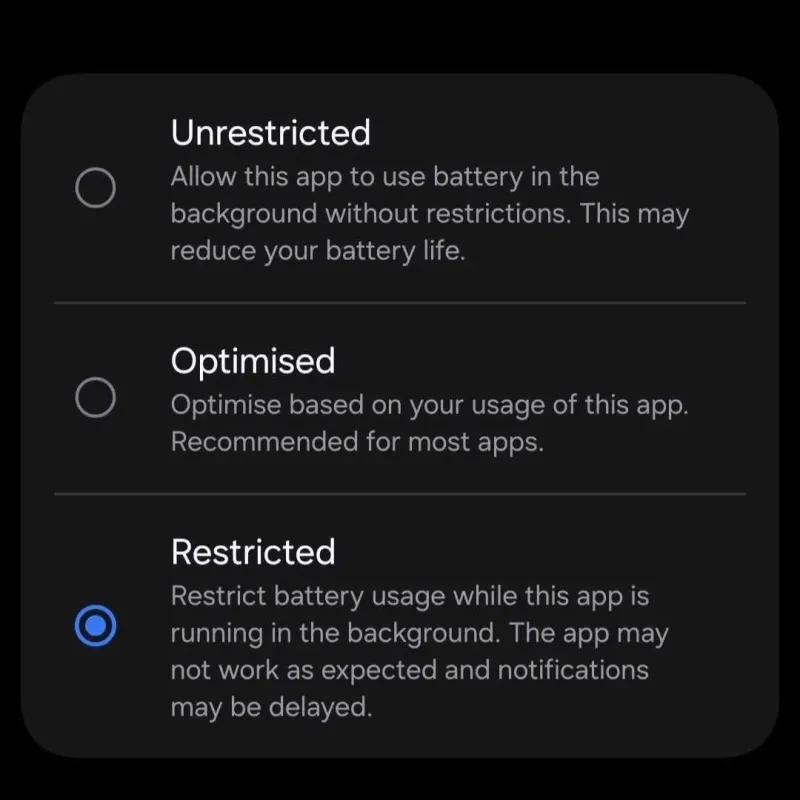
Limit Background Activity
Some apps keep working even when you're not using them.
Check which apps are allowed to run in the background. Restrict unnecessary activity for apps you rarely use, but keep important messaging and notification features working.
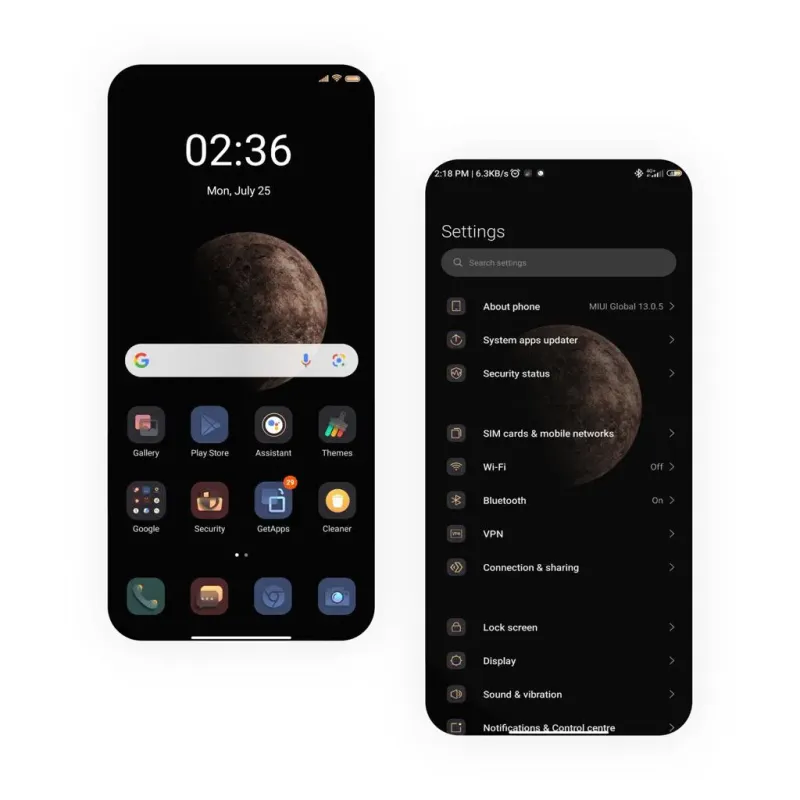
Use Dark Mode
Give your eyes and your battery a darker display.
If your phone has an OLED or AMOLED screen, dark mode can reduce power consumption. The benefit may be smaller on LCD displays.
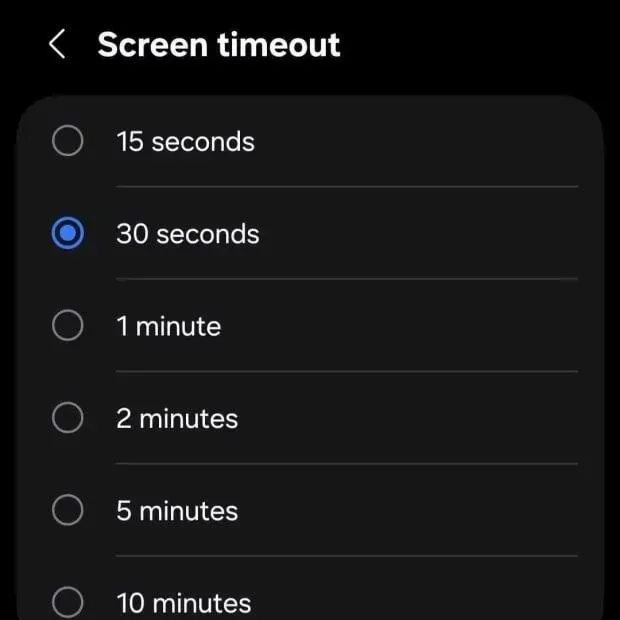
Shorten Your Screen Timeout
Don't let your phone stay awake when nobody is using it.
Set your screen to turn off after a shorter period of inactivity, such as 30 seconds. This simple adjustment prevents your display from staying on unnecessarily.
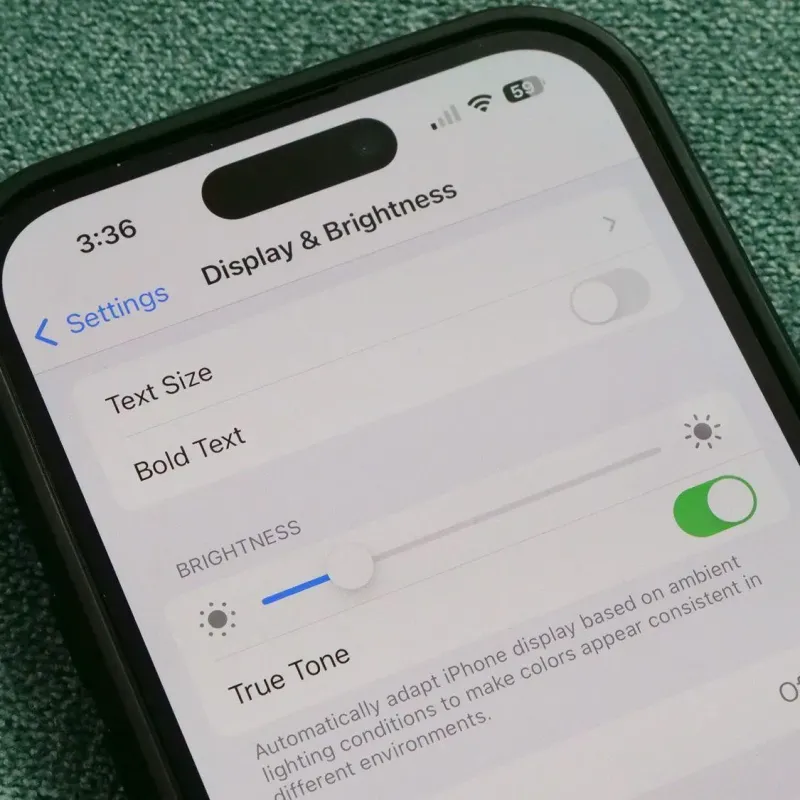
Lower Your Screen Brightness
Your display might be using more power than you think!
Your screen is one of the biggest sources of battery consumption. Lower the brightness to a comfortable level or enable automatic brightness adjustment to reduce power use.