

The Mystery of the Vanishing Smart Bulb
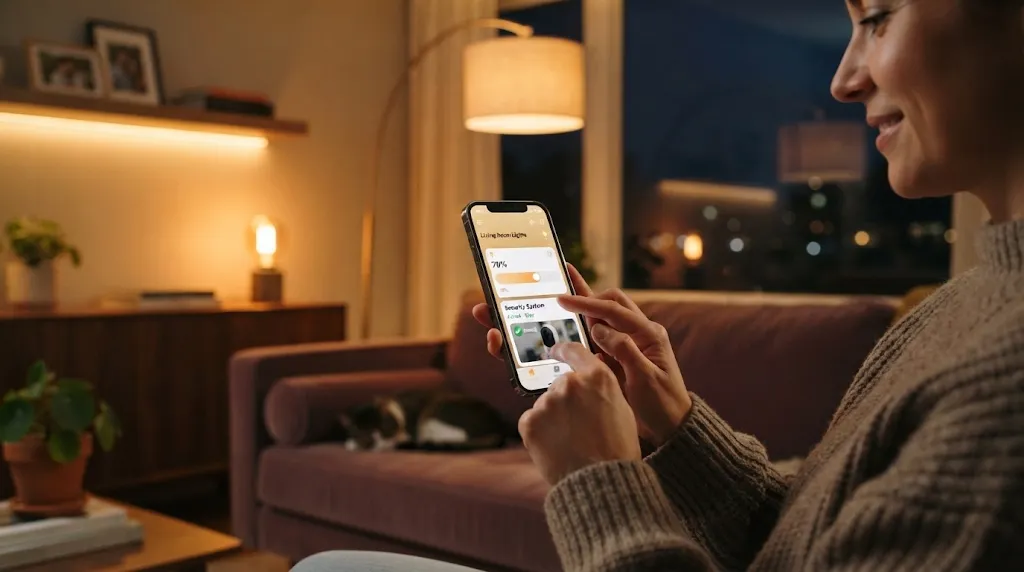
You sit down on your couch after a long workday, pull out your smartphone, and tap the button to dim your living room lights. Nothing happens. You tap it again, and five seconds later, only two out of four light bulbs respond. You restart your phone, reset your internet router, and check your bills. Everything seems fine. You might assume your smart gadgets are cheap or broken, but the real culprit could be sitting right through the wall inside your neighbor's living room.
How Dogs Sense Human Sadness and Fear Before We Even Speak
In modern apartment complexes, townhomes, and suburban neighborhoods, wireless signals are everywhere. Your home is constantly bathed in invisible radio waves from neighboring Wi-Fi routers, baby monitors, and Bluetooth speakers. When those outside signals clash with your smart devices, your home automation system slows down or drops off entirely. Here are four common ways your neighbors accidentally disrupt your smart home and the simple fixes to get everything running smoothly again.
1. The Crowded 2.4 GHz Wi-Fi Jam
Most home internet routers broadcast two separate wireless frequency bands: 5 gigahertz and 2.4 gigahertz. The 5 GHz band is fast and great for streaming movies on your television, but its signals struggle to travel through thick drywall and brick. The 2.4 GHz band is slower, but its long radio waves easily penetrate walls and reach all the way into your backyard. Because of this long range, almost every smart plug, robot vacuum, and smart light bulb manufactured today connects exclusively to the 2.4 GHz band.
The problem is that the 2.4 GHz band only has three non-overlapping channels: channel 1, channel 6, and channel 11. If you and three of your closest neighbors all leave your routers on automatic settings, all your gadgets end up shouting over the exact same radio channel. The Fix: Download a free Wi-Fi analyzer app on your phone to see which channel your neighbors are using. Log into your router's admin page and manually lock your 2.4 GHz network onto the least crowded channel among 1, 6, or 11.
2. The Invisible Zigbee and Thread Clash
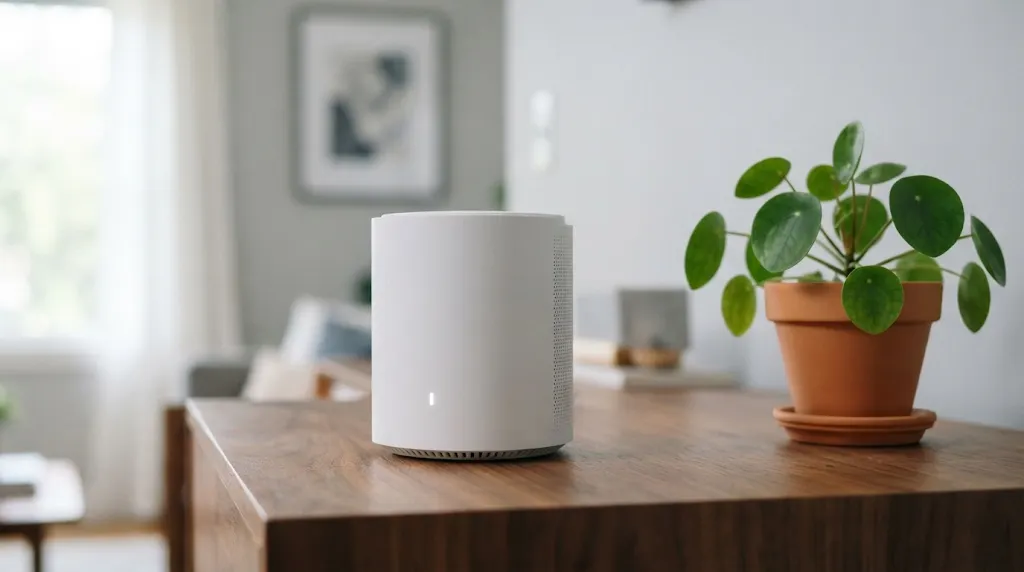
If you use smart lighting systems like Philips Hue, Ikea smart bulbs, or modern Apple Home accessories, your devices might not be using Wi-Fi at all. Instead, they communicate using low-power wireless protocols called Zigbee or Thread. Zigbee and Thread are fantastic because they create a mesh network where each light bulb acts as a tiny signal repeater, saving battery life and keeping your regular home Wi-Fi uncluttered.
Here is the catch: Zigbee operates on the exact same 2.4 GHz radio frequency as standard Wi-Fi. If your neighbor installs a powerful new Wi-Fi mesh router right against the shared party wall, its powerful broadcast will drown out the whisper-quiet signals of your smart light bulbs. The Fix: Open your smart hub app, such as the Philips Hue app, go to Settings, and look for Zigbee Channel. Switch your smart bulbs to Zigbee Channel 25. Channel 25 sits just beyond the upper edge of standard Wi-Fi channel 11, giving your lights a quiet, interference-free lane.
| Interference Source | Common Symptoms | Simple Permanent Fix |
|---|---|---|
| Crowded 2.4 GHz Wi-Fi | Smart plugs disconnect; slow app response times | Manually set router to channel 1, 6, or 11 based on analyzer scan |
| Neighbor Mesh Router on Zigbee | Smart light bulbs flicker or show "unreachable" status | Change smart hub to Zigbee channel 25 in app settings |
| Microwave Ovens & Monitors | Security cameras drop live video feeds during dinner hours | Move smart hubs at least 5 feet away from kitchens and exterior walls |
| Device Band Congestion | Laptops and smart TVs buffering during home use | Force phones, tablets, and streaming sticks onto the 5 GHz band |
3. Microwave Ovens and Baby Monitors Leaking Noise
Not all wireless interference comes from computer equipment. Everyday household appliances generate huge bursts of electromagnetic radio noise that bleed right through apartment walls. Microwave ovens, in particular, heat food by blasting it with intense 2.4 GHz radio waves. Even with modern protective shielding, an older microwave oven can leak a small halo of radio static into adjacent rooms every time your neighbor reheats soup.
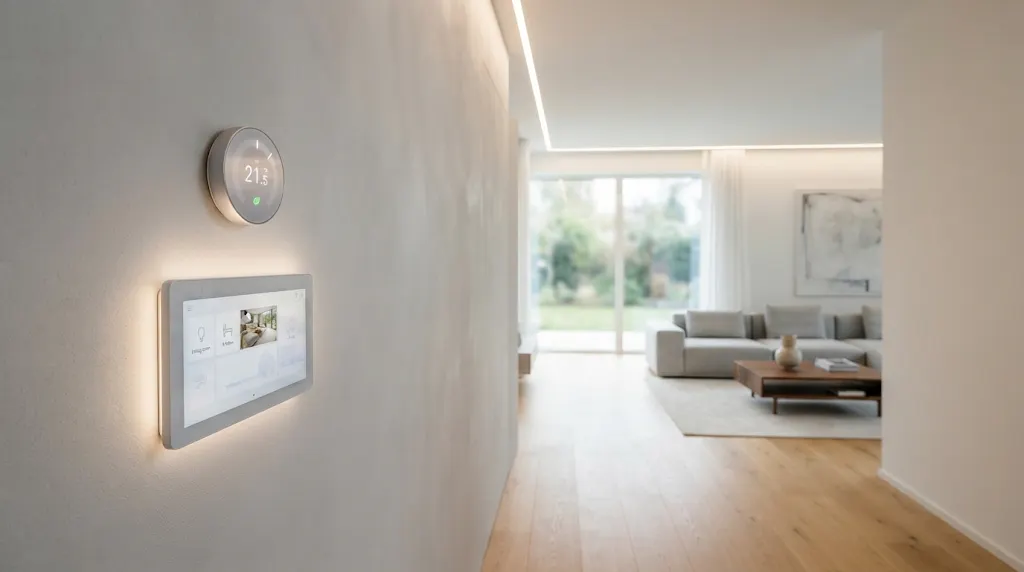
Analog baby monitors and wireless security cameras that send uncompressed video signals are another major culprit. If your neighbor puts an unshielded baby monitor on their bedside table, that table might sit just three feet away from your hallway smart thermostat through the drywall. The Fix: Physical distance is your greatest defense against radio interference. Move your smart home hubs and security camera base stations at least five feet away from shared exterior walls, kitchen appliances, and large metal file cabinets.
4. Device Overcrowding on a Single Network
As smart homes grow, it is shockingly easy to accumulate thirty, forty, or even sixty connected gadgets. Between smart light switches, door sensors, smart speakers, and television dongles, your poor router gets overwhelmed juggling all the connections. When your router's processor is overloaded, it drops low-priority connections first. Unfortunately, smart plugs and environmental sensors send tiny data packets, making them the first victims when traffic spikes.
Your neighbors do not even have to do anything malicious. If their devices broadcast strong wireless requests, your router wastes valuable processor cycles listening to and discarding those irrelevant neighborhood signals. The Fix: Move all your high-bandwidth devices—such as laptops, smartphones, gaming consoles, and streaming televisions—over to your router's 5 GHz or 6 GHz Wi-Fi network. This clears the entire 2.4 GHz spectrum exclusively for your low-power smart home gadgets.
Building a Bulletproof Smart Home Setup
Fixing wireless interference does not require buying expensive new gadgets or running complicated computer terminal commands. It simply requires giving your devices the breathing room they need to communicate clearly. Whenever possible, connect stationary smart hubs directly to your internet router using an inexpensive Ethernet network cable rather than relying on wireless connections. A wired hub will never suffer from neighboring radio clutter.
Adding just one or two permanently plugged-in smart plugs throughout your home also strengthens your Zigbee or Thread mesh network. Because these plugs run on wall electricity, they act as powerful signal boosters that carry automation commands around thick concrete corners. Taking thirty minutes this weekend to audit your wireless channels will transform your smart home from a frustrating source of lag into the reliable, instant luxury you paid for. You will no longer have to tap your phone three times just to turn off a bedside lamp, and you can enjoy peaceful evenings knowing your home automation is protected from neighborhood radio traffic.